Recently I wanted to put the dust-collecting ESP32 at home to use, so I hooked up an HC-SR04 ultrasonic ranging module for some simple distance detection. The whole process went more smoothly than I expected — here’s a record of the wiring, the code, and one small pitfall I stepped into.
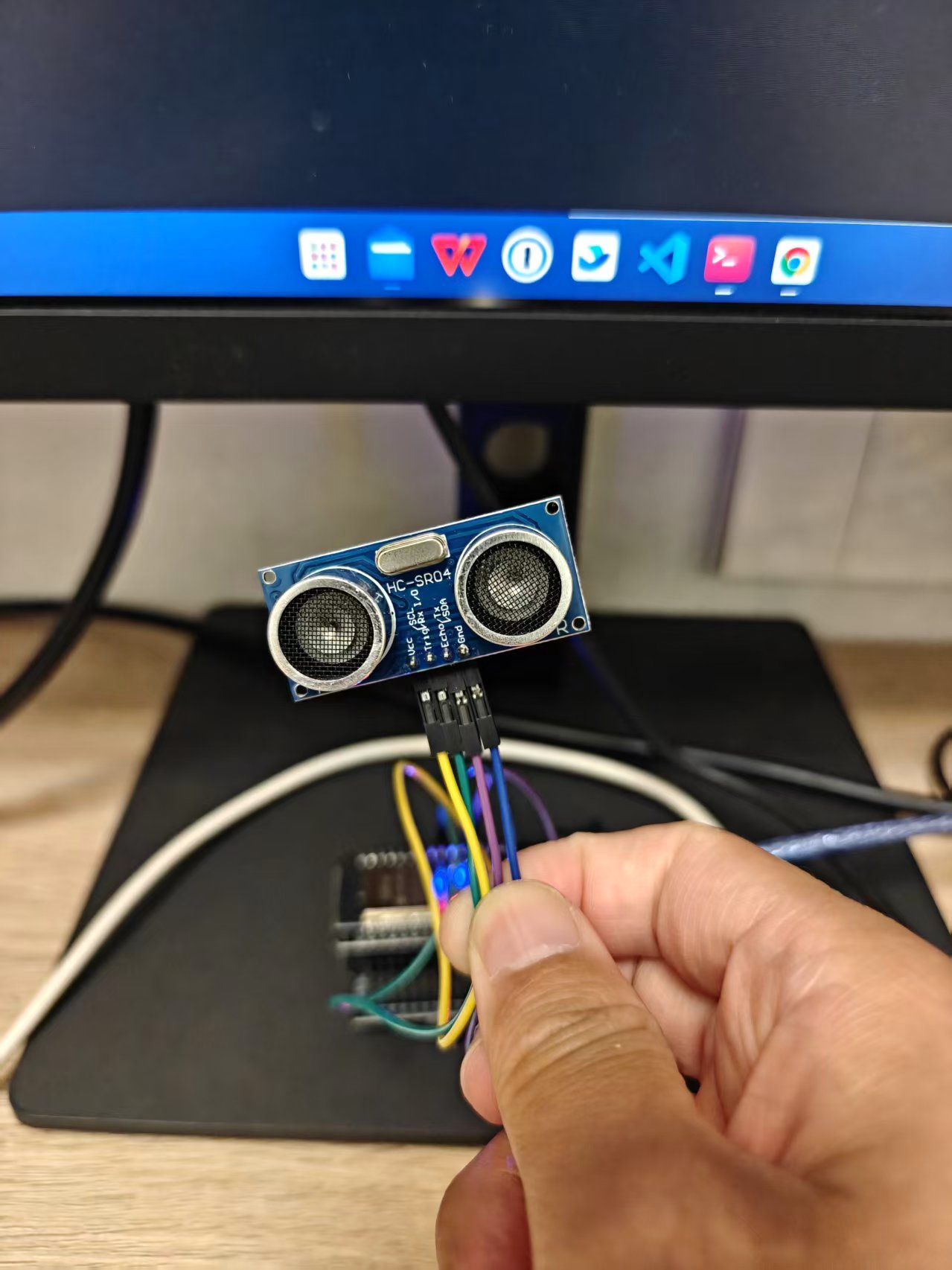
Introduction to the HC-SR04 Module
The HC-SR04 is one of the most common ultrasonic ranging modules. It costs a few yuan, measures from about 2cm to 400cm, with accuracy around 0.3cm — plenty for projects like liquid-level detection, obstacle alarms, and human-proximity sensing.
The module has four pins:
| Pin | Description |
|---|---|
| VCC | Power positive; 5V recommended |
| GND | Power ground |
| Trig | Trigger pin; send a 10μs high pulse to start a measurement |
| Echo | Echo pin; the duration of the high output is the sound wave’s round-trip time |
Wiring
My ESP32 development board is already flashed with MicroPython; connected to the computer over USB it shows up as /dev/ttyUSB0. The wiring between the HC-SR04 and the ESP32 is as follows:
| HC-SR04 | ESP32 |
|---|---|
| VCC | 5V |
| GND | GND |
| Trig | GPIO5 |
| Echo | GPIO4 |
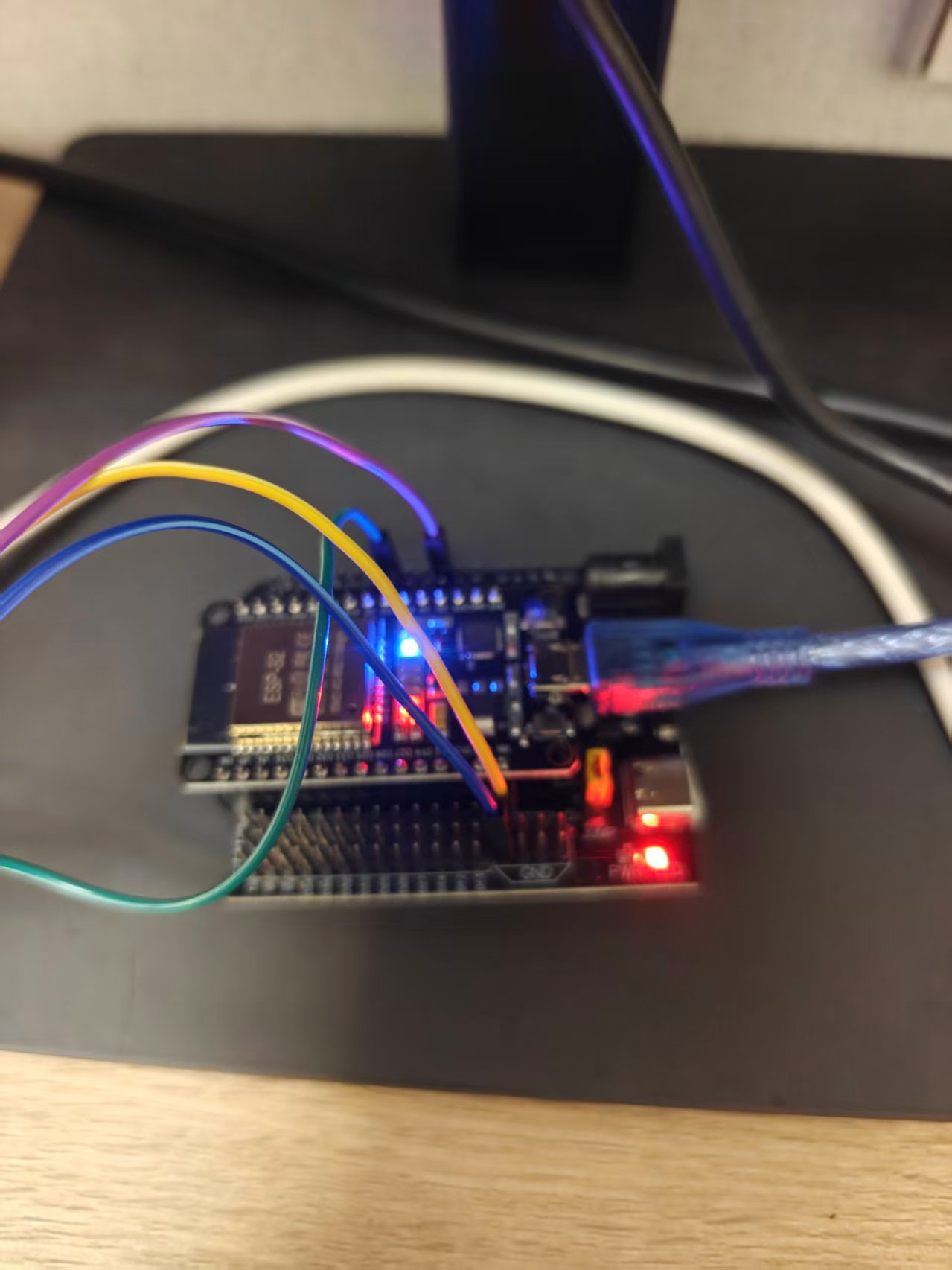
Here’s a small pitfall: my original main.py used GPIO4 as the Bluetooth status LED output, which conflicted with Echo. So I moved the Bluetooth status LED to GPIO15, freeing up GPIO4 for the HC-SR04.
MicroPython Code
Save the following hcsr04.py to the ESP32’s file system:
|
The core logic is straightforward:
- First pull Trig low for 2μs to stabilize, then high for 10μs, then low again, triggering the module to emit the ultrasonic wave.
- Wait for Echo to go high and record the start time.
- Wait for Echo to go low and compute the duration of the high level.
- Distance = time × speed of sound / 2 — divided by 2 because the sound wave travels a round trip.
measure() takes 5 samples by default and returns the median, filtering out occasional glitches and making readings more stable.
Running It
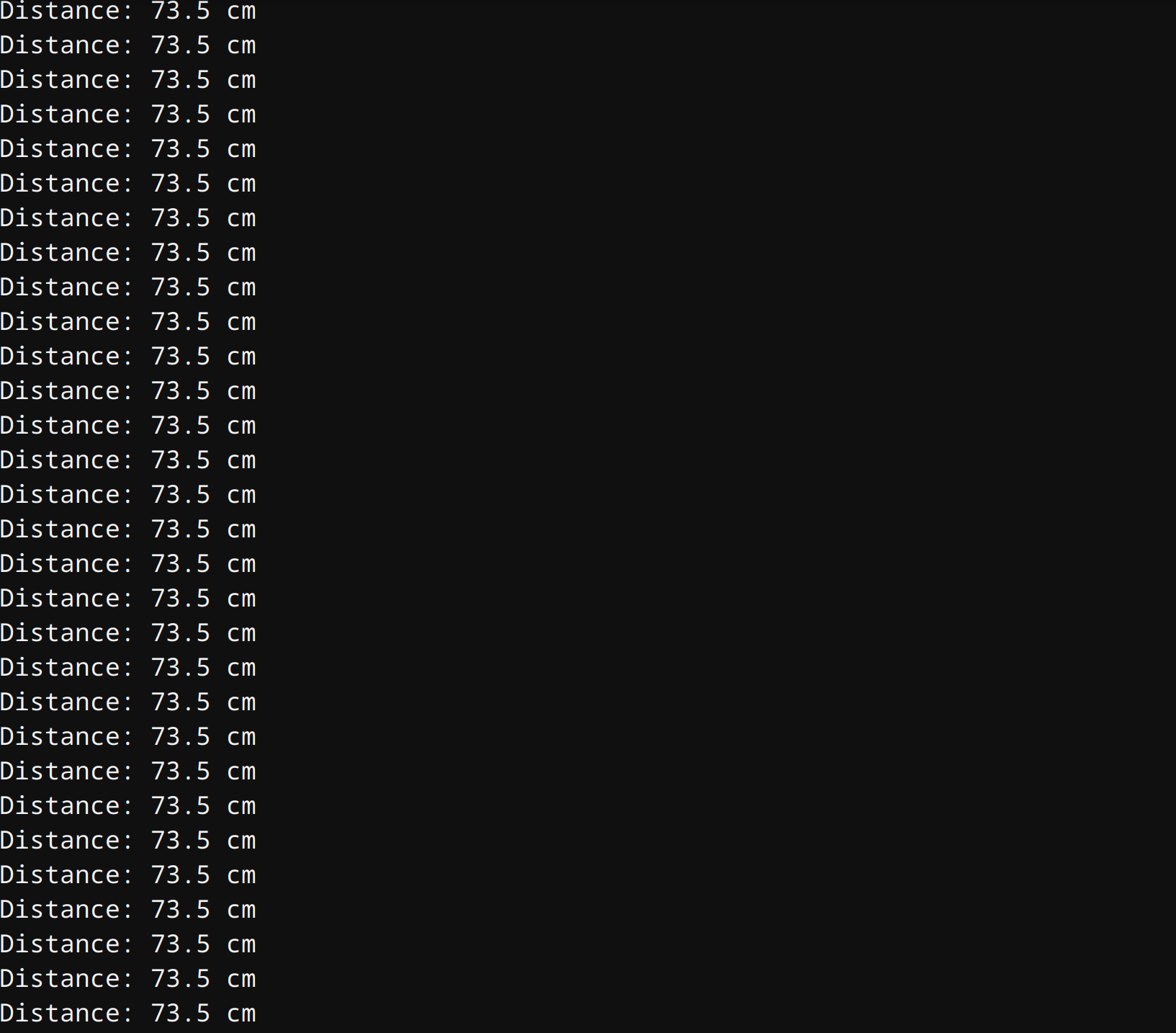
Add a loop task in main.py that prints the distance every 500ms:
|
Connect to the ESP32 with a serial tool:
|
And you’ll see continuous distance output:
A Few Things to Note
- Power: the HC-SR04 sometimes works at 3.3V, but the Echo signal amplitude may be insufficient — 5V on VCC is recommended.
- Blind zone: measurements within 2cm directly in front of the module are usually inaccurate; leave a bit of distance when installing.
- Reflective surfaces: soft, irregular, or tilted surfaces reflect poorly; liquid levels and walls work best.
- Concurrent tasks: if your main program also runs async tasks like Bluetooth or WiFi, remember to write the ranging as a coroutine too, so it doesn’t block the event loop.
What to Do Next
- Report the distance data over MQTT to Home Assistant and build a water-level monitor.
- Set a threshold and drive a buzzer or LED alarm when the distance drops below a certain value.
- Combine it with a servo to make a simple radar-scanning car.
The HC-SR04 may be cheap, but it’s a lot of fun to play with — a great first sensor project for getting into ESP32 IoT.
评论
0 条评论