创建磁盘 qemu-img create -f qcow2 /home/ kvm/images/ windows2008r2.img 40 g
创建 Windows 虚拟机 virt -install \ \ 2048 \ \ 2 \ \ \ \ \ 0.0.0.0 ,port=5900 ,password=123456 \ \
执行后如下所示
WARNING Graphics requested but DISPLAY is not set . Not running virt-viewer.to launch for the guest, defaulting to in progress. Waiting for installation to complete.
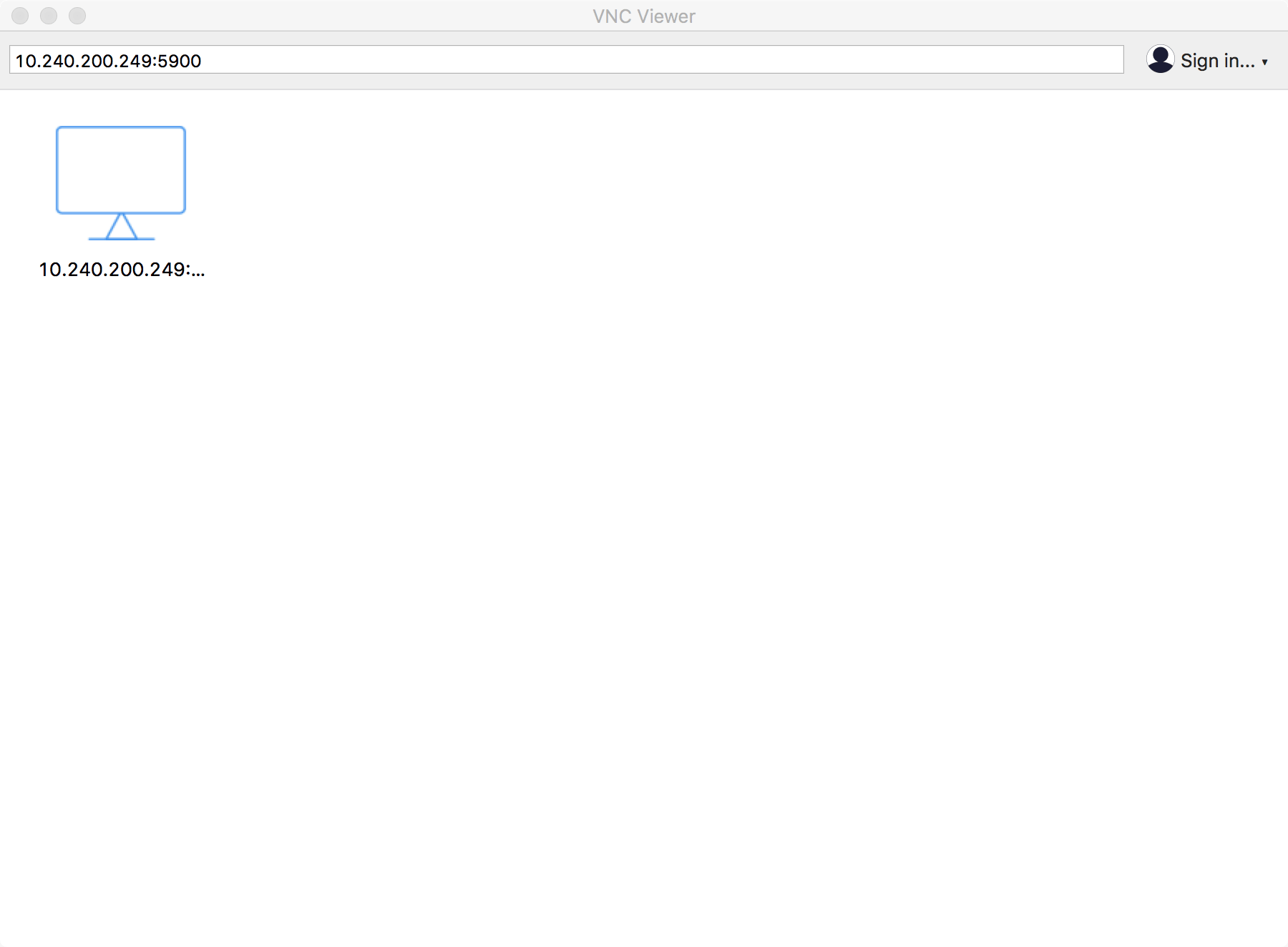
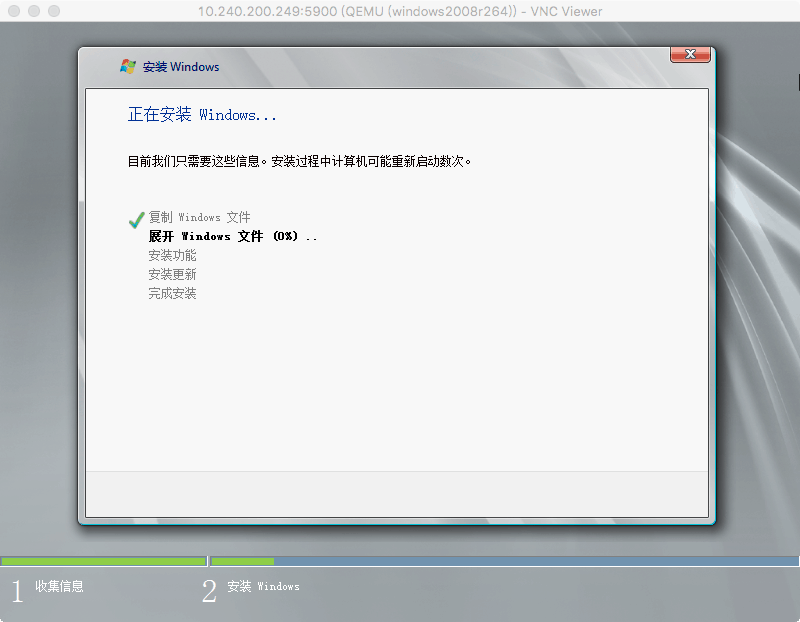
打开 VNC 客户端输入 IP:5900,密码是123456
查看
[root@y-3 c-a018 images]1 node -server-3 running2 node -server-1 running3 node -server-2 running12 windows2008r264 runningnode -backup shut off
配置
[root@y-3c-a018 qemu]# cat windows2008r264.xml<domain type ='kvm' > <name > windows2008r264</name > <uuid > ec323b07-94c4-4413-9ff1-1c250076fce1</uuid > <memory unit ='KiB' > 2097152</memory > <currentMemory unit ='KiB' > 2097152</currentMemory > <vcpu placement ='static' > 2</vcpu > <os > <type arch ='x86_64' machine ='pc-i440fx-rhel7.0.0' > hvm</type > <boot dev ='hd' /> </os > <features > <acpi /> <apic /> <hyperv > <relaxed state ='on' /> <vapic state ='on' /> <spinlocks state ='on' retries ='8191' /> </hyperv > </features > <cpu mode ='custom' match ='exact' check ='partial' > <model fallback ='allow' > Skylake-Client-IBRS</model > </cpu > <clock offset ='localtime' > <timer name ='rtc' tickpolicy ='catchup' /> <timer name ='pit' tickpolicy ='delay' /> <timer name ='hpet' present ='no' /> <timer name ='hypervclock' present ='yes' /> </clock > <on_poweroff > destroy</on_poweroff > <on_reboot > restart</on_reboot > <on_crash > destroy</on_crash > <pm > <suspend-to-mem enabled ='no' /> <suspend-to-disk enabled ='no' /> </pm > <devices > <emulator > /usr/libexec/qemu-kvm</emulator > <disk type ='file' device ='disk' > <driver name ='qemu' type ='qcow2' /> <source file ='/home/kvm/images/windows2008r2.img' /> <target dev ='hda' bus ='ide' /> <address type ='drive' controller ='0' bus ='0' target ='0' unit ='0' /> </disk > <disk type ='file' device ='cdrom' > <driver name ='qemu' type ='raw' /> <source file ='/home/kvm/os/win2008.iso' /> <target dev ='hdb' bus ='ide' /> <readonly /> <address type ='drive' controller ='0' bus ='0' target ='0' unit ='1' /> </disk > <controller type ='usb' index ='0' model ='ich9-ehci1' > <address type ='pci' domain ='0x0000' bus ='0x00' slot ='0x05' function ='0x7' /> </controller > <controller type ='usb' index ='0' model ='ich9-uhci1' > <master startport ='0' /> <address type ='pci' domain ='0x0000' bus ='0x00' slot ='0x05' function ='0x0' multifunction ='on' /> </controller > <controller type ='usb' index ='0' model ='ich9-uhci2' > <master startport ='2' /> <address type ='pci' domain ='0x0000' bus ='0x00' slot ='0x05' function ='0x1' /> </controller > <controller type ='usb' index ='0' model ='ich9-uhci3' > <master startport ='4' /> <address type ='pci' domain ='0x0000' bus ='0x00' slot ='0x05' function ='0x2' /> </controller > <controller type ='pci' index ='0' model ='pci-root' /> <controller type ='ide' index ='0' > <address type ='pci' domain ='0x0000' bus ='0x00' slot ='0x01' function ='0x1' /> </controller > <interface type ='bridge' > <mac address ='52:54:00:7a:5b:72' /> <source bridge ='br0' /> <model type ='rtl8139' /> <address type ='pci' domain ='0x0000' bus ='0x00' slot ='0x03' function ='0x0' /> </interface > <interface type ='bridge' > <mac address ='52:54:00:ee:59:5d' /> <source bridge ='br0' /> <model type ='virtio' /> <address type ='pci' domain ='0x0000' bus ='0x00' slot ='0x04' function ='0x0' /> </interface > <serial type ='pty' > <target type ='isa-serial' port ='0' > <model name ='isa-serial' /> </target > </serial > <console type ='pty' > <target type ='serial' port ='0' /> </console > <input type ='tablet' bus ='usb' > <address type ='usb' bus ='0' port ='1' /> </input > <input type ='mouse' bus ='ps2' /> <input type ='keyboard' bus ='ps2' /> <graphics type ='vnc' port ='5900' autoport ='no' listen ='0.0.0.0' passwd ='123456' > <listen type ='address' address ='0.0.0.0' /> </graphics > <video > <model type ='vga' vram ='16384' heads ='1' primary ='yes' /> <address type ='pci' domain ='0x0000' bus ='0x00' slot ='0x02' function ='0x0' /> </video > <memballoon model ='virtio' > <address type ='pci' domain ='0x0000' bus ='0x00' slot ='0x06' function ='0x0' /> </memballoon > </devices > </domain >
使用 virtio 驱动 可以这样创建虚拟机
1.安装virtio 驱动
wget https:// fedorapeople.org/groups/ virt/virtio-win/ virtio-win.repo -O /etc/yum .repos.d/virtio-win.repo
2.创建虚拟机
virt -install \ \ 2048 \ \ 2 \ \ \ 0 .1 .141 _amd64.vfd,device=floppy \ \ \ 0.0.0.0 ,port=5900 ,password=123456 \ \
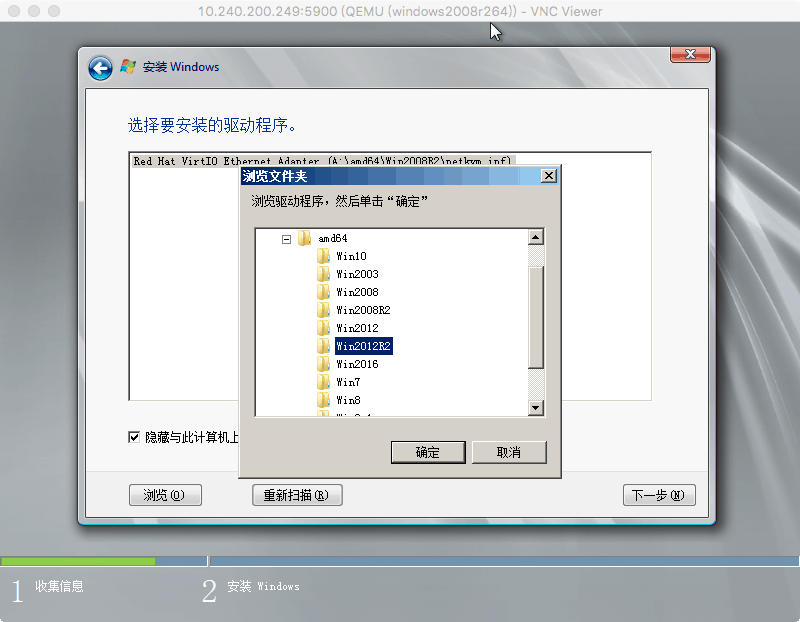
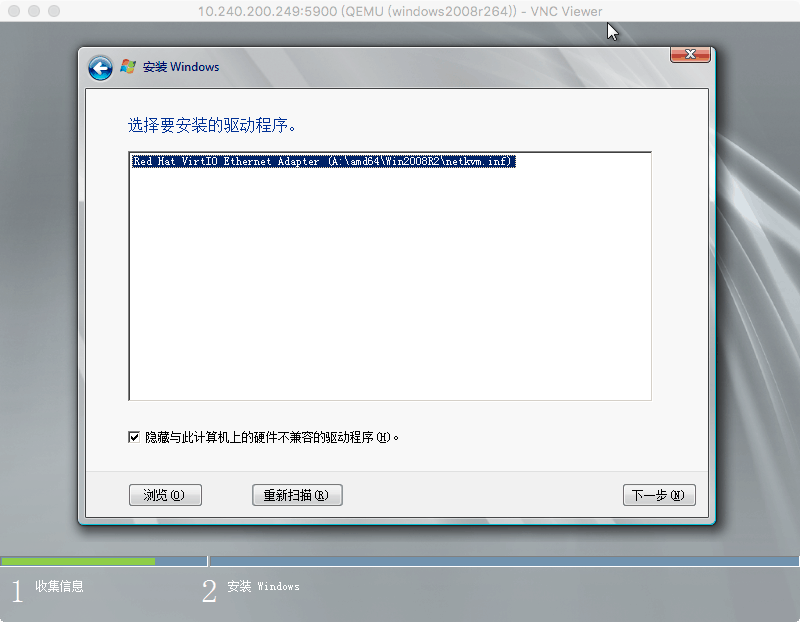
然后加载的时候选择加载驱动–浏览,然后选择对应操作系统的驱动
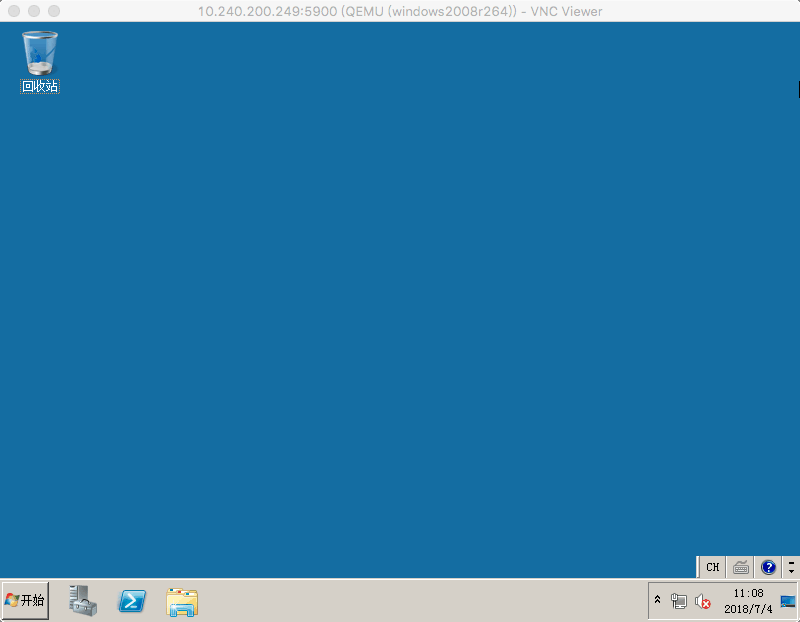
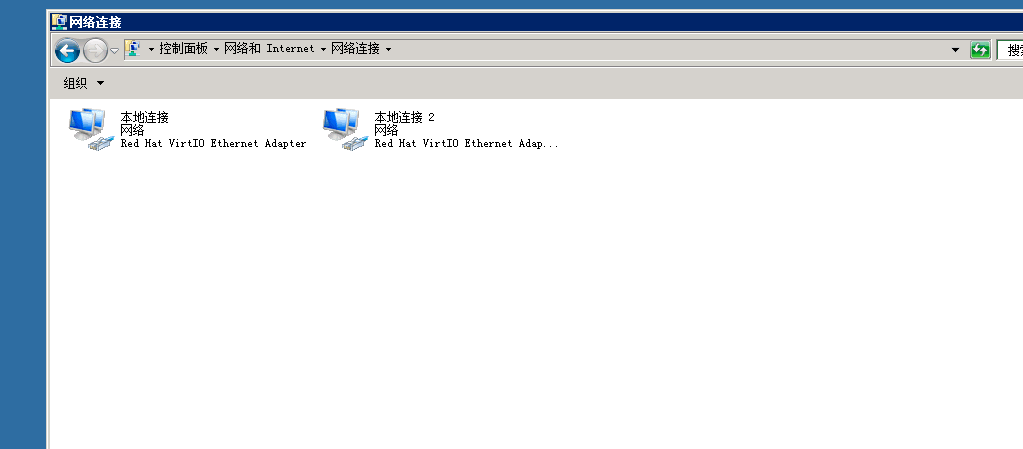
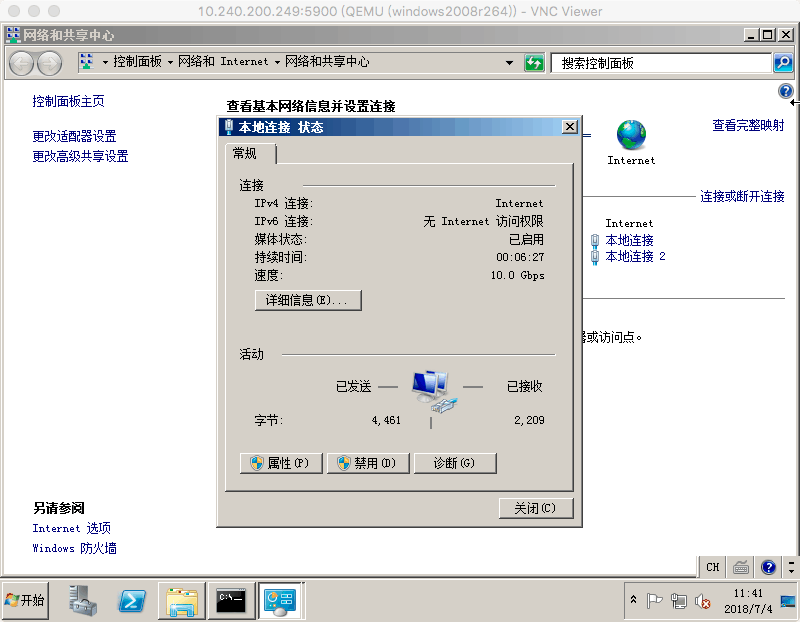
进入系统后查看网卡驱动类型就是千兆的了。

评论
0 条评论