CleanYourTV has been everywhere this week — 18,693 stars, and the original “before and after of my parents’ TV” post did 7.4M views. The premise is simple: an Android TV home screen is a manufacturer’s ad slot, and the same machine exposes ADB, so one round of pm disable-user strips the bloat layer and a small open-source Apple TV-style launcher takes its place. No root, no cable, nothing uninstalled, one line to restore.
The catch for me: the supported list is dominated by TCL, Xiaomi, Sony and Philips. Hisense appears a handful of times, and most of those entries are labelled “Latin America”, “India” or “US”. My living room set is a China-market Hisense. So the first question was: does this work on it at all.
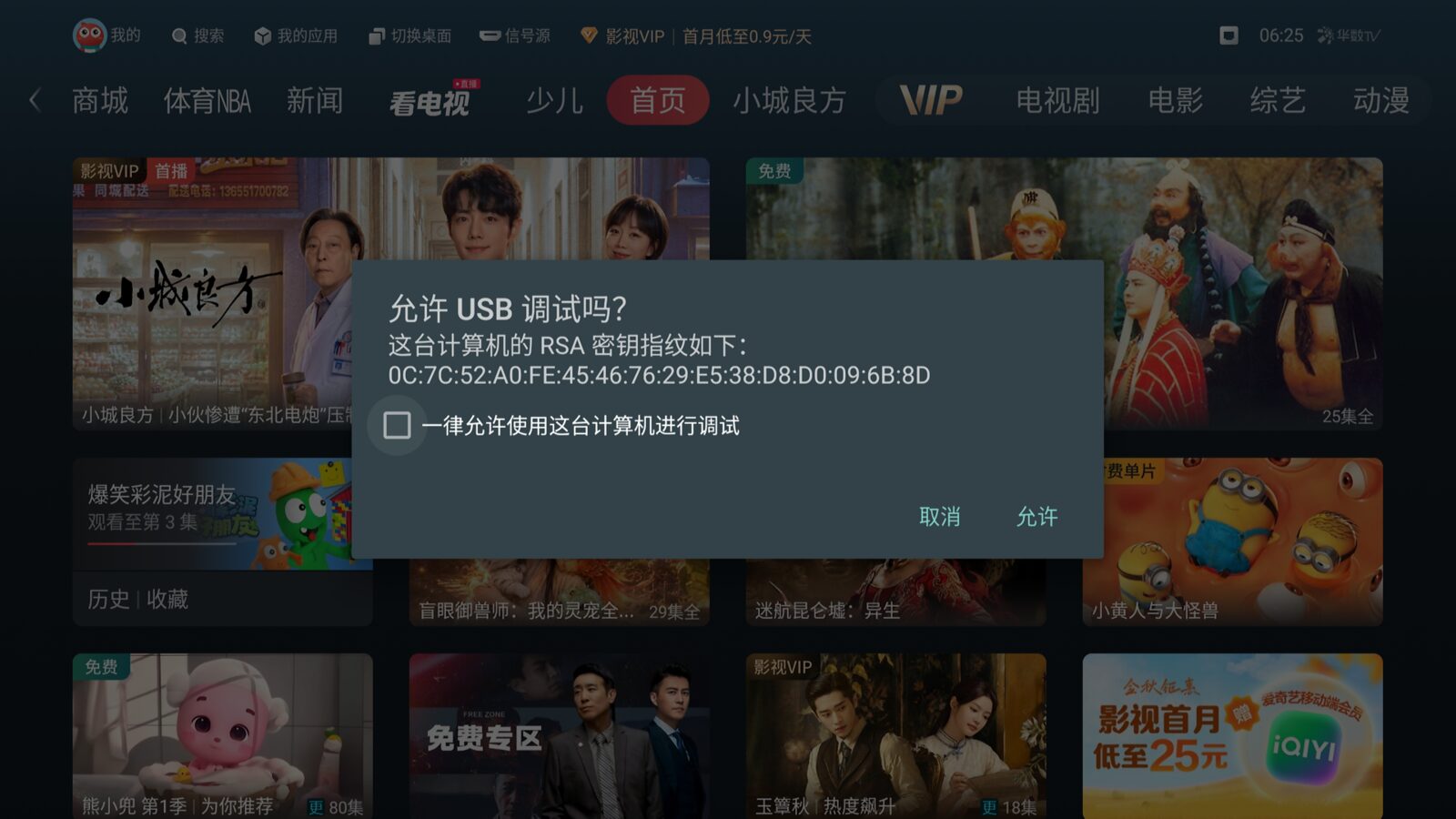
What matters is the OS, not the brand
CleanYourTV checks exactly one thing: whether the target exposes an ADB shell that will let pm work. So the question is never “is Hisense supported”, it is “what is this Hisense running”.
China-market Hisense splits two ways. Pure VIDAA U / VIDAA X sets are Linux with no Android runtime and no ADB at all — those are out. The other kind is Android underneath with a VIDAA shell and the 聚好看 (JuUI) interface, and most domestic Hisense TVs are that. Those have a chance.
While digging through examples/ I found vidda-mt9653 and hisense-e5q-pro. Vidda is a Hisense sub-brand, and both headers say the same thing: device VIDAA_TV, board MediaTek MT9653, Android 11, build 02.02.70.01. Which means the author had already run the entire procedure on the exact firmware as my set, and written down every trap he fell into.
At that point “will it work” narrowed to “is my machine actually this firmware”.
Find it first
The TV and my box are on the same subnet, and adb was already installed (Arch’s android-tools). Sweep for port 5555:
|
That parallel probe is unreliable — it reported nothing. Going the other way, ARP-sweep for live hosts and then adb connect each of them, and it hits:
|
Then confirm the firmware:
|
VIDAA_TV / MT9653 / SDK 30 / patch 2022-09-05 / 3.8 GB RAM / 1080p@320dpi — a word-for-word match with the examples/vidda-mt9653/ header. SDK 30 is also above the launcher’s minSdk 26, so both halves (debloat and launcher) are available.
One more check: intersect that contributor list with the TV’s actual package list. 23 of the 25 entries exist; the two missing (com.meetingroom, com.vision.aibook) were never installed. Now it’s safe to proceed.
Worth noting: ro.adb.secure is 0. Any device on the network gets a shell with no authorization prompt. Close it when you are done.
Environment
Building the launcher needs JDK 17 and the Android SDK. ~/Android/Sdk was already there along with platforms/android-34, so all that remains is letting the gradle wrapper fetch 8.9. The repo’s tools/tv.py is its own pure-Python ADB-over-TCP client, which needs a venv:
|
It reuses ~/.android/adbkey, so no second authorization prompt.
Back up, then disable in batches
Before tools/disable.sh sends a single command to the TV it calls recovery.py --save to write the current state to disk, and aborts if that fails. That ordering is right: a backup taken afterwards describes a TV you already changed. I still kept my own copies:
|
Two facts from those settings mattered later: the default IME is Sogou TV (the only IME on the device — do not touch), and enabled_accessibility_services holds four services from com.keylab.speech.view.vidaa.
I edited the list in three places to match my choices: added OTA (com.jamdeo.updateservice, com.hisense.playerupdate), kept the voice-assistant home com.keylab.speech.view.vidaa in, and confirmed com.hisense.tv.tiletransition was not in it. Applied in three batches with a cold reboot between each:
| Batch | Contents | Count |
|---|---|---|
| 1 | telemetry, reporting, push, ad surfaces | 9 |
| 2 | retail/hotel leftovers, duplicate sharing apps, screensaver, printspooler | 14 |
| 3 | voice-assistant second home, OTA | 3 |
com.vision.aibook in batch two was skipped silently (not installed). All three batches came back disabled-user, and after a reboot the TV booted normally with the JuUI home still standing.
tiletransition deserves a word. The name reads like a transition animation or a boot-ad layer, but it hosts TileAnimationService, which the vendor source panel binds to before it switches inputs. Disabled, the panel still opens and still animates, but picking HDMI does nothing, and logcat says so:
|
Package names do not tell you what a package does. That is the norm when reverse-engineering vendor systems.
Install the launcher
launcher/build-and-install.sh chunks the APK, base64-pushes it to /data/local/tmp, runs pm install, and refuses to touch the stock home if any step fails; if the Home handover does not stick it rolls back on its own. The same-firmware header gives the two variables that must be passed:
|
STOCK_LAUNCHER has to be explicit, because the script guesses the stock launcher via resolve-activity HOME against a list of Google TV package names, and com.jamdeo.tv.vod is not on it.
The APK is 438 KB. The sideload was not refused — this is where China-market sets usually die. Some answer every install with INSTALL_FAILED_VERIFICATION_FAILURE; others reject any package declaring category.HOME without the manufacturer’s signature. In both cases you only get the debloat half. This set passed both gates:
|
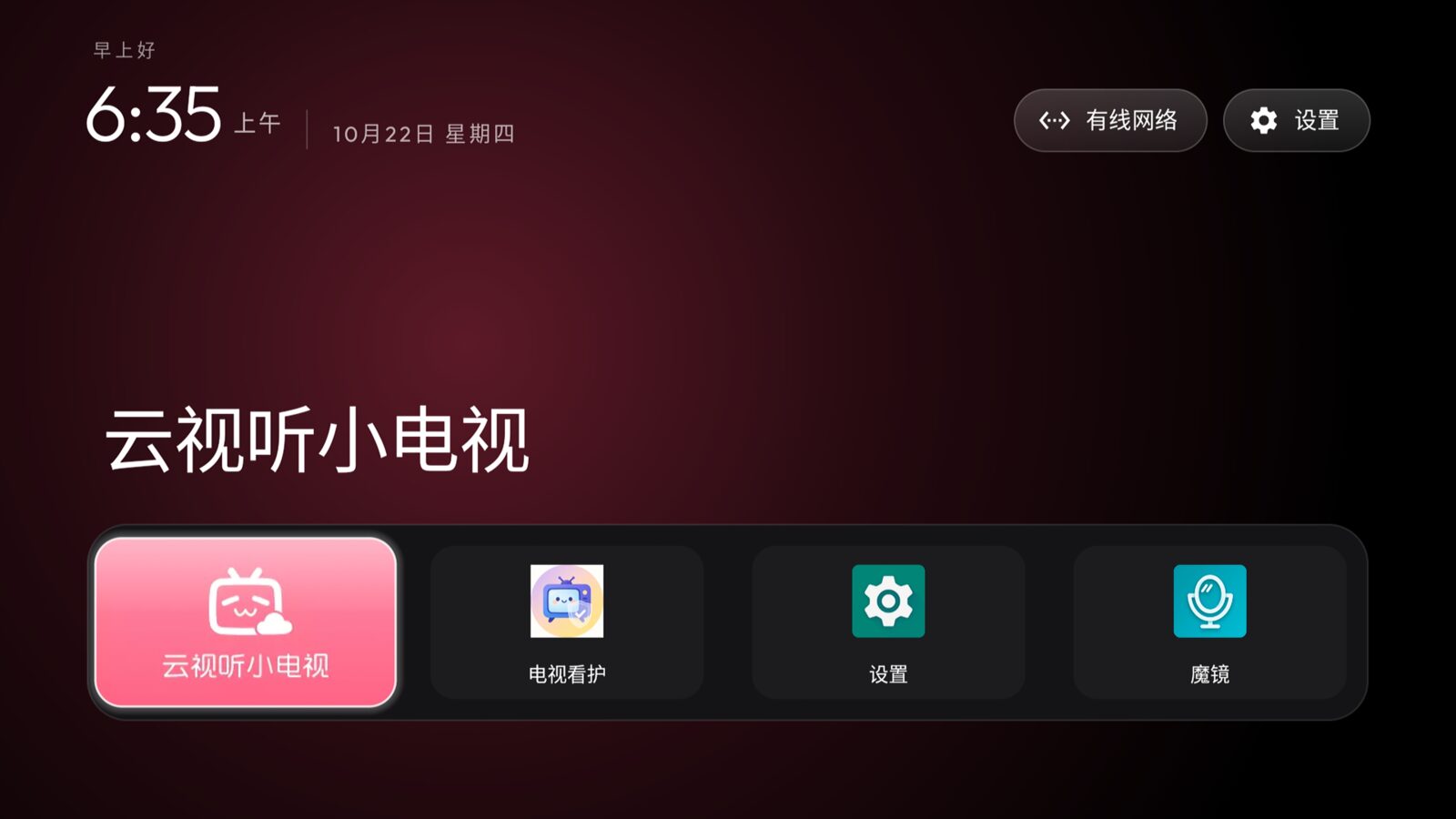
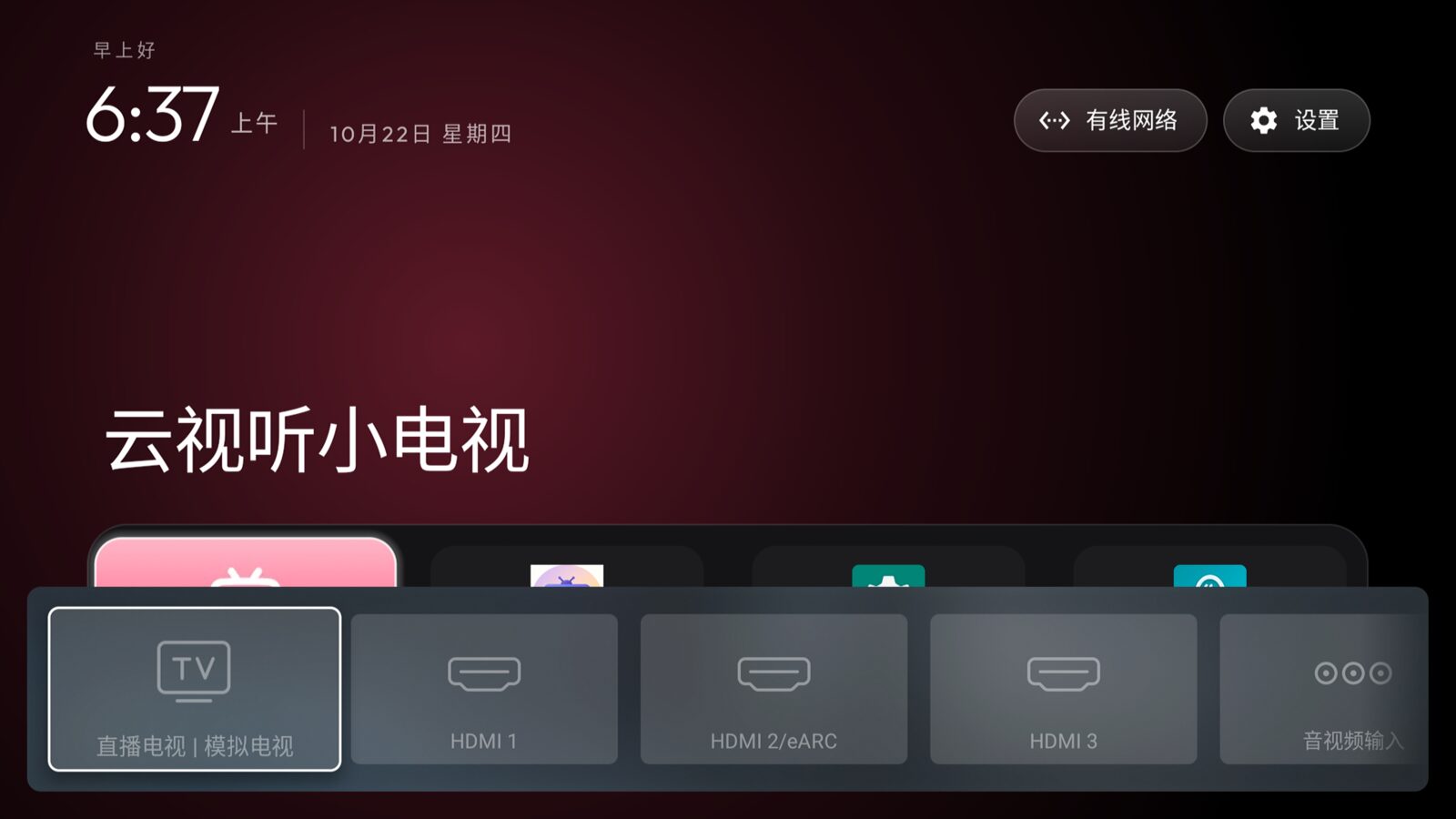
One cold reboot later, resolve-activity HOME still answers com.gathin.tvhome, and the launcher sits at 32 MB PSS. Then verify the input panel:
|
Three places the docs were not quite right
The Home key sends a different code than recorded. The same-firmware header says the physical Home button is Linux scancode 102, mapped by the keylayout to KEYCODE_F12 (142). I ran getevent -lt while someone pressed it: the kernel does emit KEY_HOME (102), but the Android-side mapping lives in /system/usr/keylayout/Generic.kl:124:
|
That is KEYCODE_MOVE_HOME (122) — a text-editing key that does nothing on a television. Which explains why the Home button went dead once JuUI was disabled: the vendor SysUIMerge app used it as “back to the previous app”, and that app happened to be JuUI. The fix is launcher’s app_keys, pointing that keycode back at the new home, handled by the already-enabled HomeKeyService:
|
The “Settings” tile in the dock is the wrong Settings. This one I caught by looking twice. The new home has a Settings pill in the top-right corner, and a Settings tile in the dock — they are not the same app. The pill sends Settings.ACTION_SETTINGS, which resolves to com.android.tv.settings/.hisense.systemsettings.MainActivity, the real Hisense settings. The dock tile is com.android.settings, the AOSP one that is largely crippled on a TV.
The cause is in the launcher’s default config: dock_apps ships as Netflix / Prime / YouTube / Hotstar. None of those are installed on a Chinese set, so fill_dock pulls the first grid apps into the free slots, and AOSP Settings floated up. Adding it to hidden_apps fixes it.
A vendor bug unrelated to any of this. On every boot, com.android.wechathci:WebService (Hisense’s WeChat binding / hitv app auto-update) crashes twice and gives up:
|
It is not in the list, and the stack never touches a disabled package. It is a firmware defect. Writing it down so nobody blames it on the debloat later.
Changing config does not need a rebuild
Both fixes above are theme-level. The launcher reads a config.json from its external files directory and overlays it onto the built-in config.xml, so:
|
theme.sh restarts Home and re-arms the accessibility services — am force-stop makes Android drop the launcher’s HomeKeyService from enabled_accessibility_services, and without that step the Home-key mapping is pointless.
|
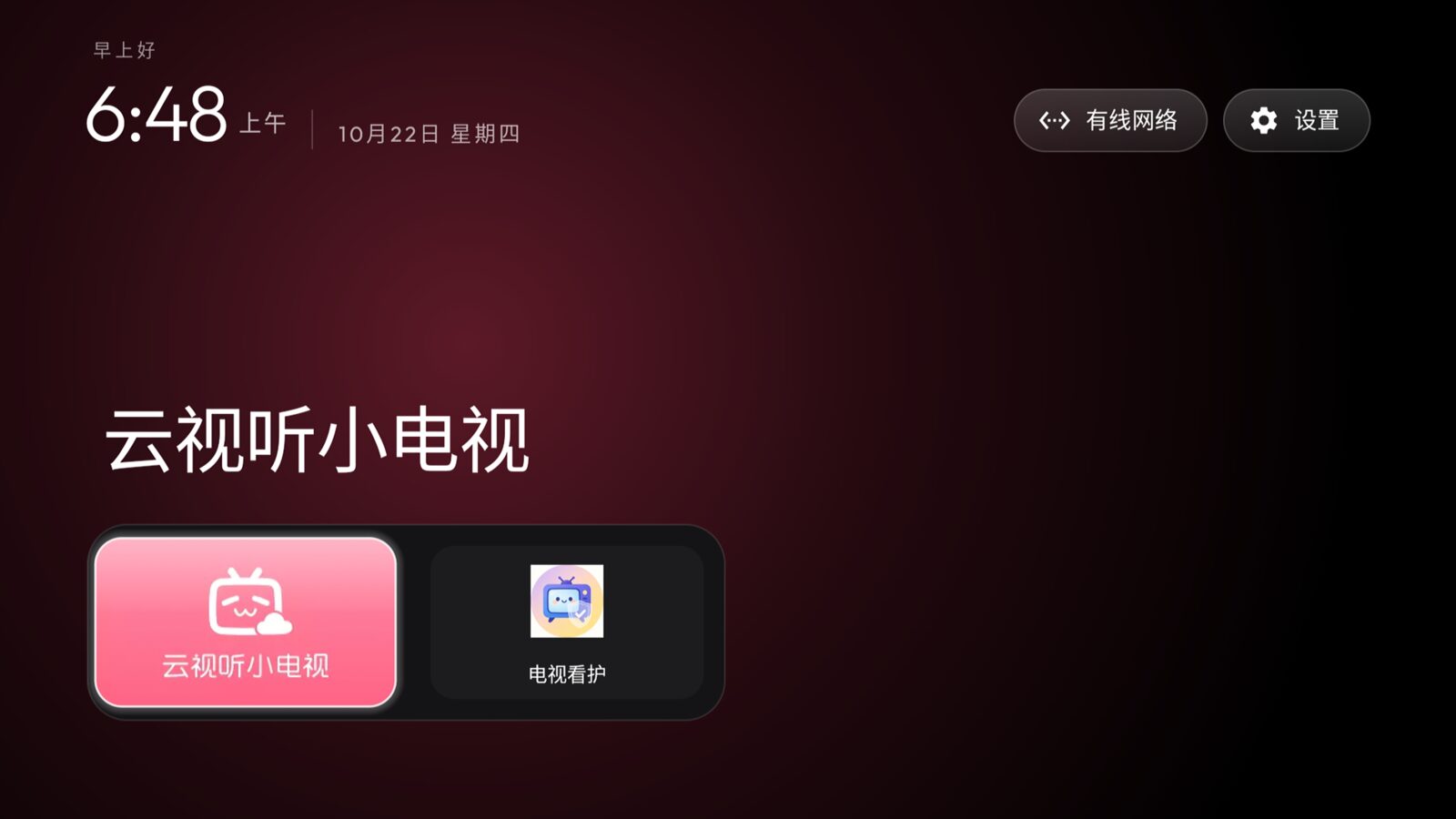
A small anecdote here. In the moment right after the launcher took over but before the stock home was disabled, what grabbed the foreground was com.awen.tvguard — my own app — showing a “answer a few questions first · have you finished breakfast today?” prompt. So while I was stripping someone else’s ads, my own nag screen intercepted me.

Was it worth it
What the debloat half buys: telemetry, reporting, the vendor push channel, a hproxy that polls the network forever, retail/hotel leftovers, and a screensaver that is really a stock-photo ad slot. What it does not buy: the sponsored rows on the home screen — those are fetched by com.jamdeo.tv.vod itself and only the launcher swap removes them. The list header states this more plainly than anyone, so do not read “debloat” as more than it says.
The cost, in full: OTA is off (re-enable it to take a firmware update), the voice assistant and the remote’s mic key are gone, and the Home button needed a manual mapping. All of it is reversible:
|
One thing to watch on restore: com.hisense.service.ad was already disabled at the factory on this set, and restore will switch it on. Which is the real reason a backup has to happen before you touch anything, not when you want to undo it.
Back to the opening question. Any China-market Hisense that is Android underneath with a JuUI interface will run CleanYourTV, and a tested list for the same firmware is already sitting in examples/. Four getprop values is all the verification it takes. Pure VIDAA sets are not worth trying — there is no ADB path in that system.
When you are finished, go back to the TV and turn USB debugging off. A door left open with ro.adb.secure=0 is considerably more dangerous than the ad slots you just removed.
评论
0 条评论