root@ubuntu:/home/fwj# cat /etc/ansible/ansible.cfg  | grep inventory
        #inventory      = /etc/ansible/hosts
        # if inventory variables overlap, does the higher precedence one win
[root@localhost ~]# ssh-keygen -t rsa
Generating public/private rsa key pair.
Enter file in which to save the key (/root/.ssh/id_rsa):
Created directory '/root/.ssh'.
Enter passphrase (empty for no passphrase):
Enter same passphrase again:
Your identification has been saved in /root/.ssh/id_rsa.
Your public key has been saved in /root/.ssh/id_rsa.pub.
The key fingerprint is:
d6:59:b5:ad:b7:e7:2e:5a:bb:87:e6:6c:ab:d1:31:c4 root@localhost.localdomain
The key's randomart image is:
+--[ RSA 2048]----+
|              .  |
|             o o |
|            . E .|
|         . o . . |
|        S o   + .|
|       .     . +.|
|            . oo.|
|             +=oo|
|            o***o|
+-----------------+
然后
[root@localhost ~]# ssh-copy-id root@10.2.100.129 The authenticity of host '10.2.100.129 (10.2.100.129)' can't be established. RSA key fingerprint is f3:57:c2:9c:1a:b0:7a:2a:7d:cc:d1:7e:d5:eb:13:0a. Are you sure you want tocontinue connecting (yes/no)? yes Warning: Permanently added '10.2.100.129' (RSA) to the list of known hosts. root@10.2.100.129's password: Now try logging into the machine, with"ssh '[email protected]'", and check in:
.ssh/authorized_keys
to make sure we haven't added extra keys that you weren't expecting.
[root@localhost ~]# ssh-copy-id root@10.2.100.130 root@10.2.100.130's password: Now try logging into the machine, with"ssh '[email protected]'", and check in:
.ssh/authorized_keys
to make sure we haven't added extra keys that you weren't expecting.
使用 ping
嗯,准备工作完毕,我们可以开始最基础的ansbile操作了,使用ansible all -m ping 他会连接你ansible配置文件里所有的服务器发送ping的命令,执行成功显示如下:
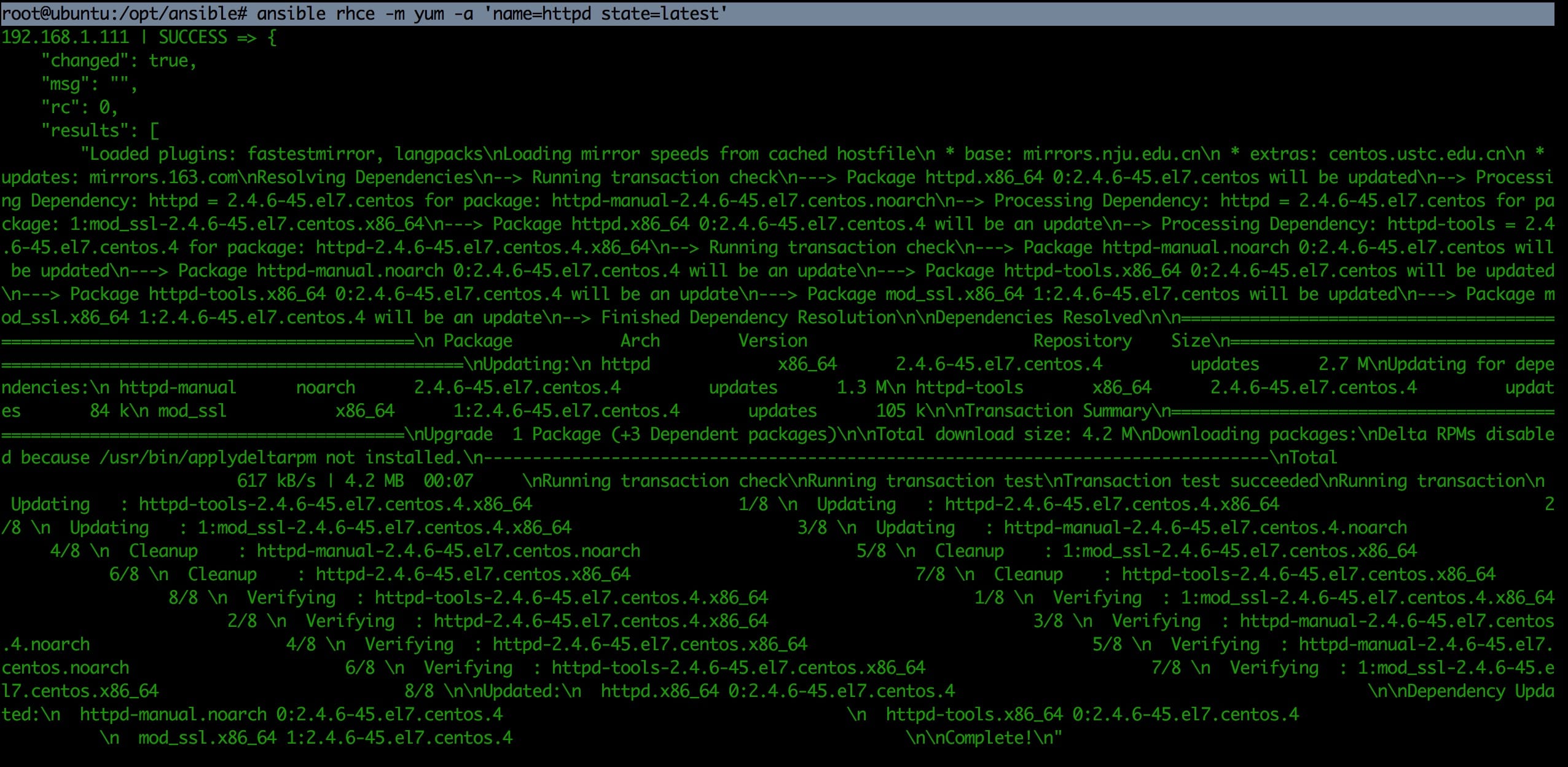
[root@localhost ~]# ansible node-nginx -m command -a "yum -y install gcc" 10.2.100.129 | SUCCESS | rc=0>> Loaded plugins: fastestmirror Setting up Install Process Loading mirror speeds from cached hostfile *base: mirrors.cn99.com *extras: mirrors.zju.edu.cn *updates: mirrors.cn99.com Resolving Dependencies --> Running transaction check ---> Package gcc.x86_64 0:4.4.7-17.el6 will be installed --> Processing Dependency: libgomp =4.4.7-17.el6 for package: gcc-4.4.7-17.el6.x86_64 --> Processing Dependency: cpp =4.4.7-17.el6 for package: gcc-4.4.7-17.el6.x86_64 --> Processing Dependency: glibc-devel >=2.2.90-12 for package: gcc-4.4.7-17.el6.x86_64 --> Processing Dependency: cloog-ppl >=0.15 for package: gcc-4.4.7-17.el6.x86_64 --> Processing Dependency: libgomp.so.1()(64bit) for package: ……略
3.执行脚本
[root@localhost ~]# ansible node-nginx -m command -a "/etc/init.d/iptables stop" 10.2.100.129 | SUCCESS | rc=0>> iptables: Setting chains to policy ACCEPT: filter [ OK ] iptables: Flushing firewall rules: [ OK ] iptables: Unloading modules: [ OK ] 10.2.100.130 | SUCCESS | rc=0>> iptables: Setting chains to policy ACCEPT: filter [ OK ] iptables: Flushing firewall rules: [ OK ] iptables: Unloading modules: [ OK ]
帮助信息
1.help
root@ubuntu:/home/fwj# ansible --help
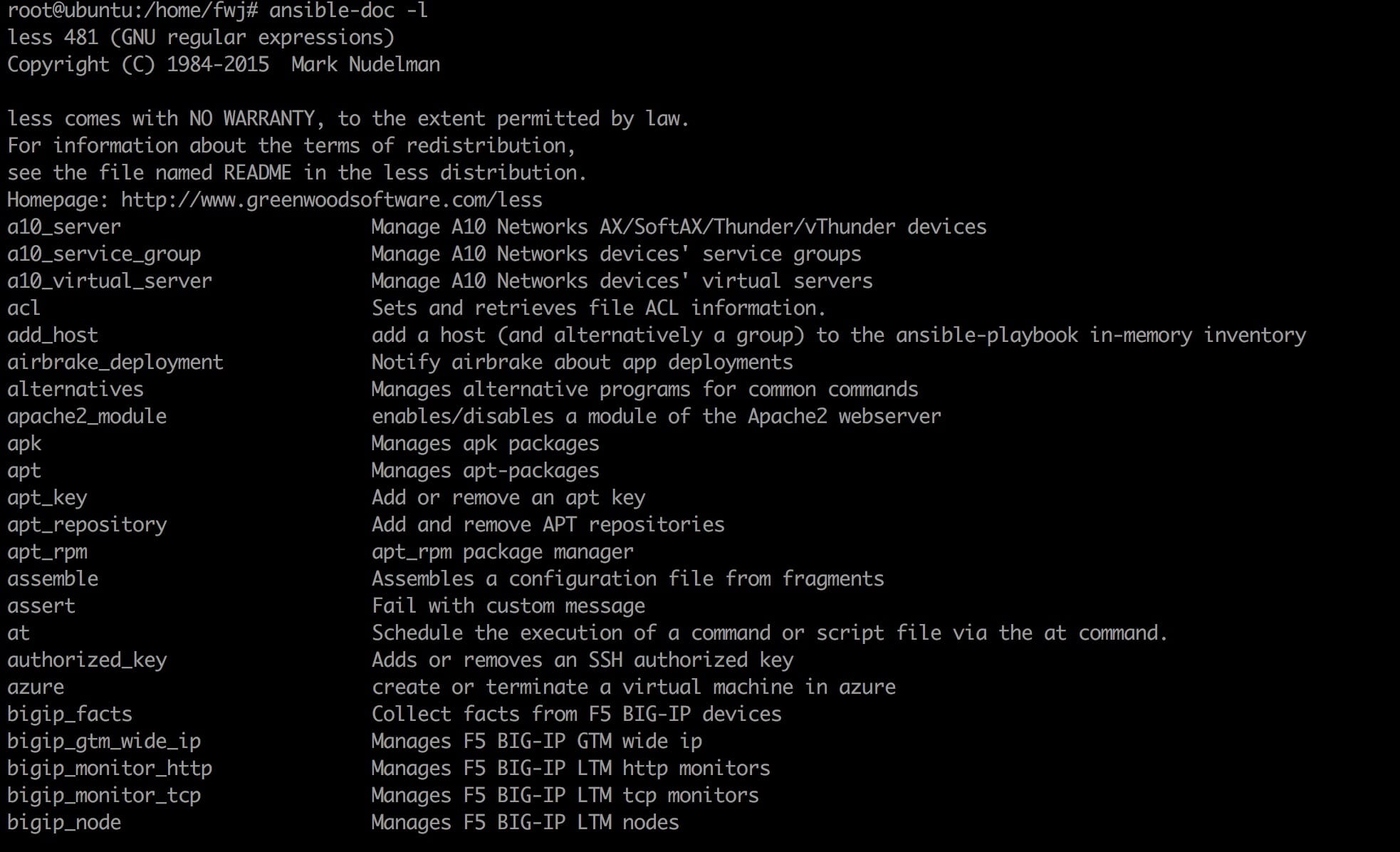
2.ansible-doc 可以列出 ansible 支持的模块
root@ubuntu:/home/fwj# ansible-doc -l
3.查看 yum 模块
root@ubuntu:/home/fwj# ansible-doc -s yum less 481 (GNU regular expressions) Copyright (C) 1984-2015 Mark Nudelman
less comes with NO WARRANTY, to the extent permitted by law. For information about the terms of redistribution, see the file named README in the less distribution. Homepage: http://www.greenwoodsoftware.com/less - name: Manages packages with the `yum' package manager action: yum conf_file # The remote yum configuration file to use for the transaction. disable_gpg_check # Whether to disable the GPG checking of signatures of packages being installed. Has an effect only if state is `present' or `latest'. disablerepo # `Repoid' of repositories to disable for the install/update operation. These repos will not persist beyond the transaction. When specifying multiple repos, separate them with a ",". enablerepo # `Repoid' of repositories to enable for the install/update operation. These repos will not persist beyond the transaction. When specifying multiple repos, separate them with a ",". exclude # Package name(s) to exclude when state=present, or latest list # Various (non-idempotent) commands for usage with `/usr/bin/ansible' and `not' playbooks. See examples. name= # Package name, or package specifier with version, like `name-1.0'. When using state=latest, this can be '*' which means run: yum -y update. You can also pass a url or a local path to a rpm file. To operate on several packages this can accept a comma separated list of packages or (as of 2.0) a list of packages. state# Whether to install (`present' or `installed', `latest'), or remove (`absent' or `removed') a package. update_cache # Force updating the cache. Has an effect only if state is `present' or `latest'.
# nearly all parameters can be overridden in ansible-playbook # or with command line flags. ansible will read ANSIBLE_CONFIG, # ansible.cfg in the current working directory, .ansible.cfg in # the home directory or /etc/ansible/ansible.cfg, whichever it # finds first
评论
0 条评论