OkHttp 库的设计和实现的首要目标是高效。官网 写着 适用于Android和Java应用程序的HTTP和HTTP / 2客户端
OkHttp是默认有效的HTTP客户端:
HTTP / 2支持允许同一主机的所有请求共享一个套接字。
使用OkHttp很容易。其请求/响应API的设计具有流畅的构建器和不变性。它支持同步阻塞调用和带回调的异步调用。
OkHttp支持Android 2.3及以上版本。对于Java,最低要求是1.7。
GitHub 地址 点击这里
maven 加入
<dependency > <groupId > com.squareup.okhttp3</groupId > <artifactId > okhttp</artifactId > <version > 3.10.0</version > </dependency >
代码
package com.nossdk.demo;import okhttp3.OkHttpClient;import okhttp3.Request;import okhttp3.Response;import java.io.IOException;public class okhttpdemo {OkHttpClient client = new OkHttpClient ();run (String url) throws IOException {Request request = new Request .Builder().url(url).build();try (Response response = client.newCall(request).execute()) {return response.body().string();public static void main (String[] args) throws IOException {okhttpdemo httpdemo = new okhttpdemo ();String respone = httpdemo.run("http://www.163.com" );
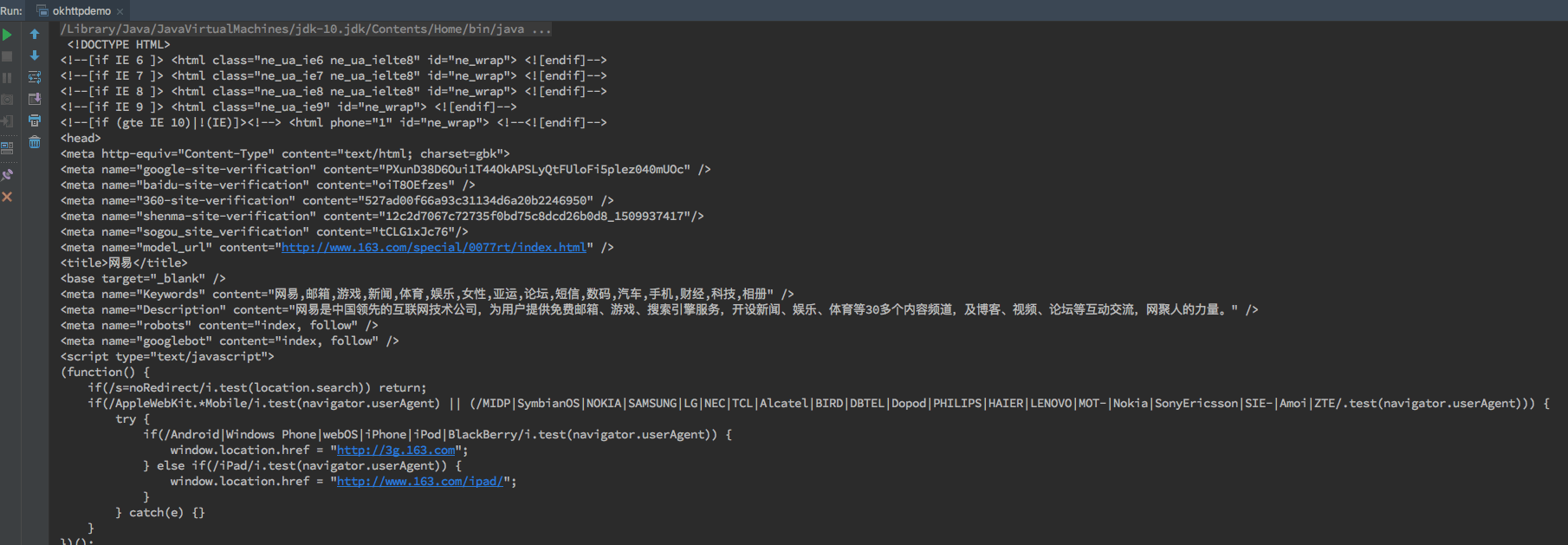
得到如下结果
问题
try (Response response = client.newCall(request ).execute ()) {response .body().string ();
这段报错
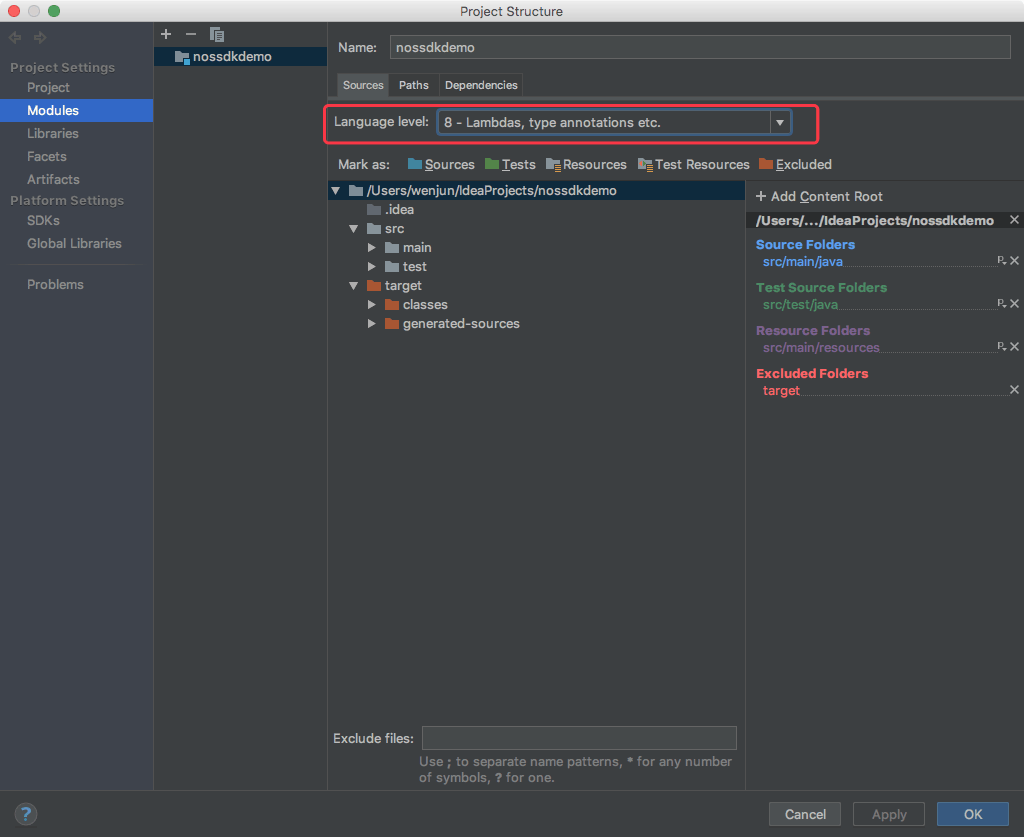
try -with -resources is not supported in -source 5
解决办法
设置当前模块的 Source Language Level:
File -> Project Structure -> Modules -> Sources -> Language Level
基本使用 HTTP GET
OkHttpClient client = new OkHttpClient();Request request = new Request .Builder().url(url).build();Response response = client.newCall(request ).execute (); if (response .isSuccessful()) { return response .body().string ();else { throw new IOException("Unexpected code " + response );
Request是OkHttp中访问的请求,Builder是辅助类。Response即OkHttp中的响应。
Response 类
public boolean isSuccessful()Returns true if the code is in [200. .300 ),and accepted.
response.body()返回ResponseBody类
可以方便的获取string
public final String string () throws IOExceptionthe response as a string decoded with the charset of the Content-Type header. If that header is either absent or lacks a charset,to decode the response body as UTF-8. Throws:
当然也能获取到流的形式:
public final InputStream byteStream () public static final MediaType JSON = MediaType.parse("application/json; charset=utf-8" );OkHttpClient client = new OkHttpClient ();post (String url, String json) throws IOException {RequestBody body = RequestBody.create(JSON, json);Request request = new Request .Builder()Response response = client.newCall(request).execute();return response.body().string();else {throw new IOException ("Unexpected code " + response);
使用Request的post方法来提交请求体RequestBody
POST提交键值对
OkHttpClient client = new OkHttpClient();new FormEncodingBuilder()"platform" , "android" )"name" , "bug" )"subject" , "XXXXXXXXXXXXXXX" )Request request = new Request .Builder()Response response = client.newCall(request ).execute ();if (response .isSuccessful()) {response .body().string ();else {new IOException("Unexpected code " + response );
总结
注意
评论
0 条评论