share-image
ESC

mac 抓iPhone 的数据包

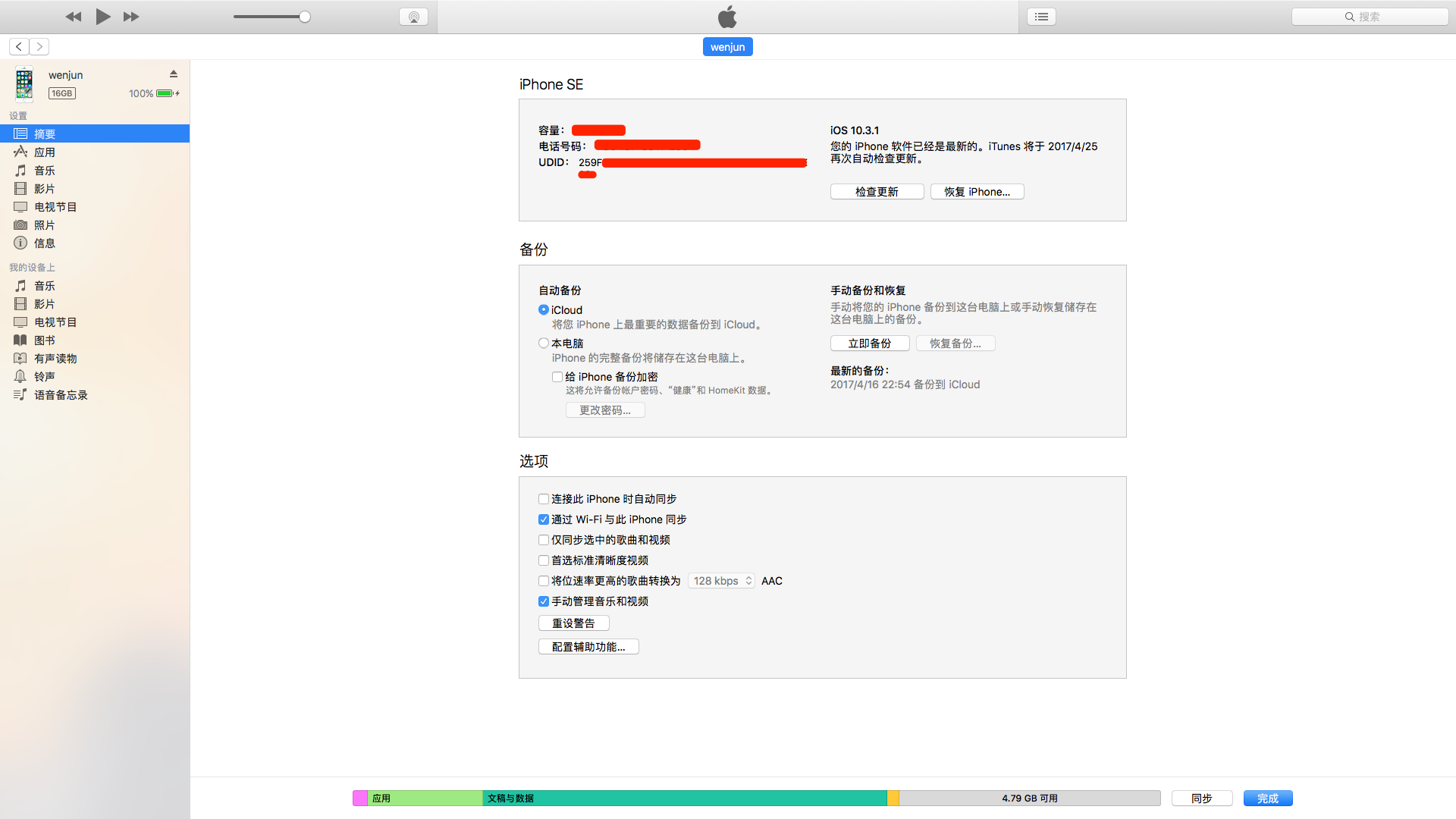
获取 UUID

1.首先,使用数据线连接 iPhone 和 mac 笔记本,启动iTunes,在电话号码下多点几次切换到 UUID 然后右键拷贝

1

使用 rvictl

➜  ~ rvictl --help
rvictl: illegal option -- -

rvictl [-h][-l][-s <udid1> ... <udidN>][-x <udid1> ... <udidN>]

Remote Virtual Interface Tool starts and stops a remote packet capture instance
for any set of attached mobile devices. It can also provide feedback on any attached
devices that are currently relaying packets back to this host.

Options:
-l, -L List currently active devices
-s, -S Start a device or set of devices
-x, -X Stop a device or set of devices

使用方法

使用

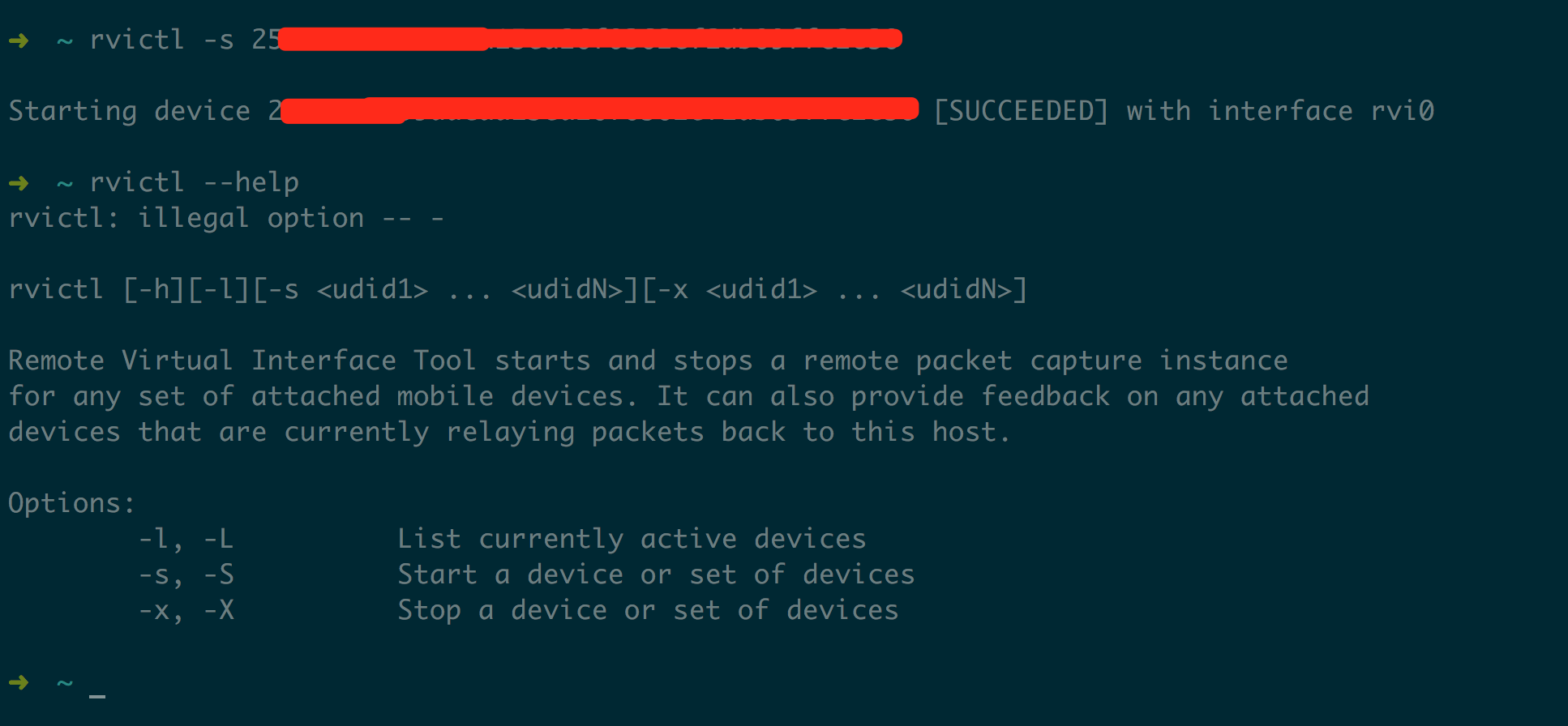
rvictl -s UUID 创建一个虚拟的网卡接口 rvi[number] number 为数字,默认是0,即 rvi0
2

提示[SUCCEEDED] with interface rvi0 创建成功

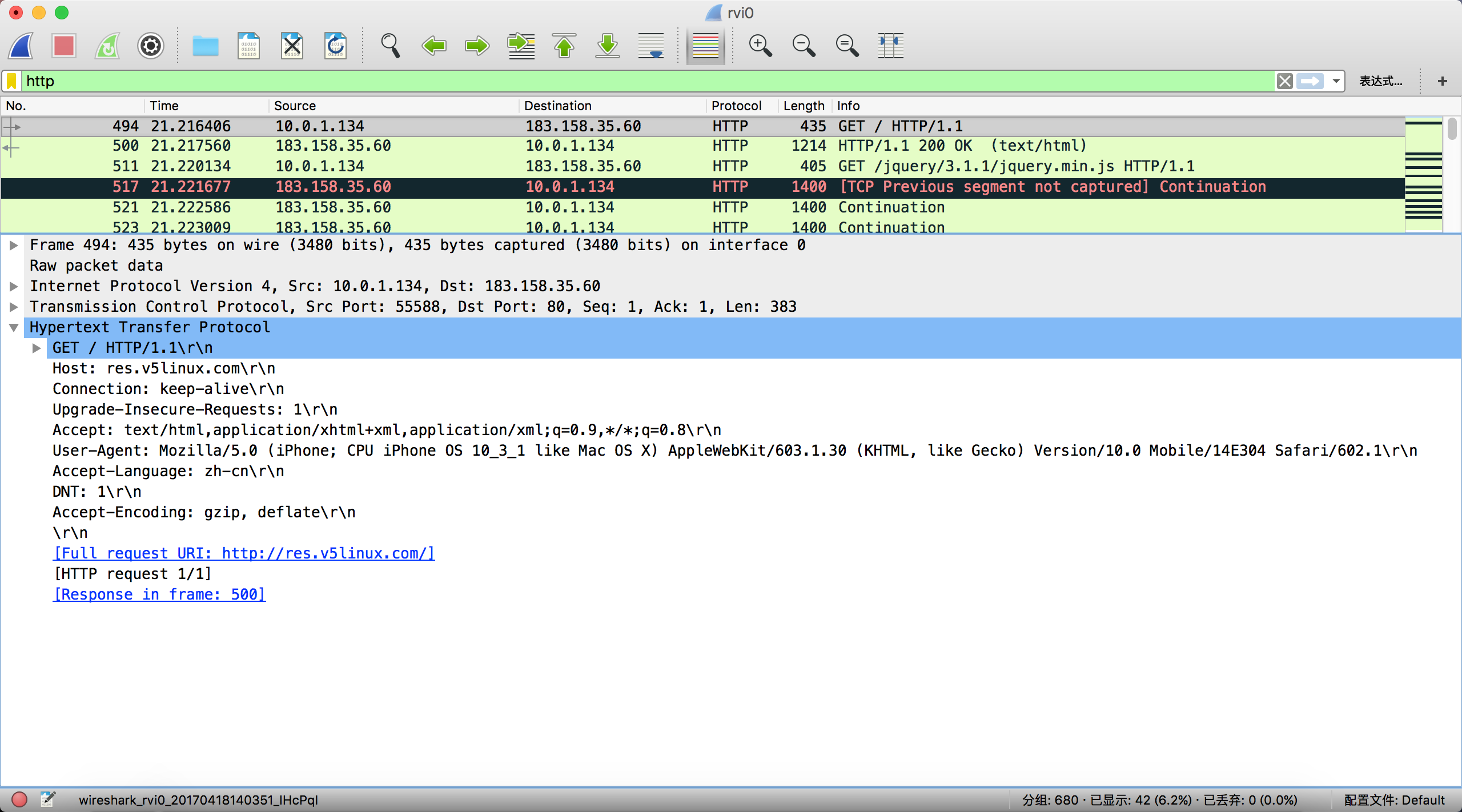
然后启动 tcpdump 或运行 wireshark 就可以看见 rvi0的接口。
3

文章作者:阿文
文章链接: https://www.awen.me/post/2288947203.html
版权声明:本博客所有文章除特别声明外,均采用 CC BY-NC-SA 4.0 许可协议。转载请注明来自 阿文的博客
本文于 2017-06-15 发布,已超过半年(3150天),请注意甄别内容是否已过期。