[Tue Jul 25 08:24:08 UTC 2017] Your cert is in  /root/.acme.sh/apache.v5linux.com/apache.v5linux.com.cer
[Tue Jul 25 08:24:08 UTC 2017] Your cert key is in  /root/.acme.sh/apache.v5linux.com/apache.v5linux.com.key
[Tue Jul 25 08:24:08 UTC 2017] The intermediate CA cert is in  /root/.acme.sh/apache.v5linux.com/ca.cer
[Tue Jul 25 08:24:08 UTC 2017] And the full chain certs is there:  /root/.acme.sh/apache.v5linux.com/fullchain.cer
[root@centos-1gb-sfo2-01conf.modules.d]# ls /etc/httpd/modules/ | grep"mod_ssl" mod_ssl.so
3.其配置文件在/etc/httpd/conf.modules.d下的00-ssl.conf
[root@centos-1gb-sfo2-01conf.modules.d]# ls 00-base.conf00-dav.conf00-lua.conf00-mpm.conf00-proxy.conf00-ssl.conf00-systemd.conf01-cgi.conf [root@centos-1gb-sfo2-01conf.modules.d]# vim00-ssl.conf [root@centos-1gb-sfo2-01conf.modules.d]# cat00-ssl.conf LoadModule ssl_module modules/mod_ssl.so
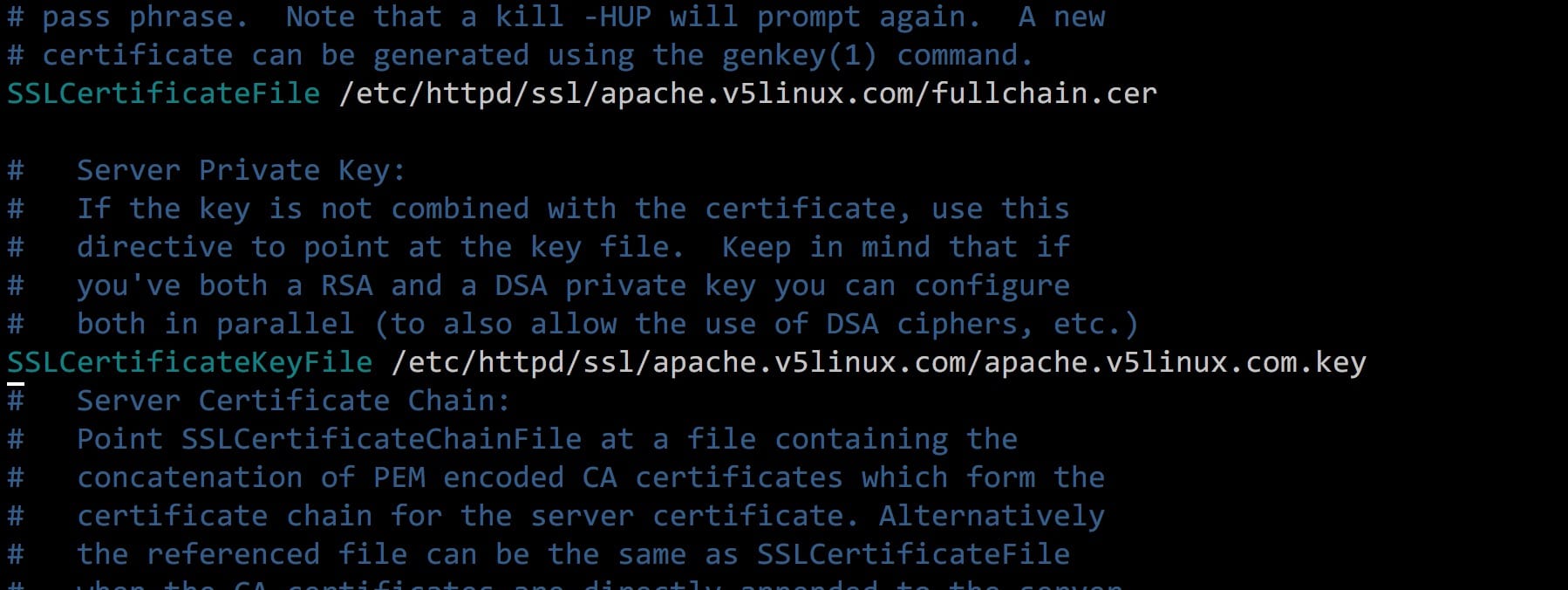
5.编辑etc/httpd/conf.d/ssl.conf 文件,修改如下几行
<VirtualHost _default_:443>
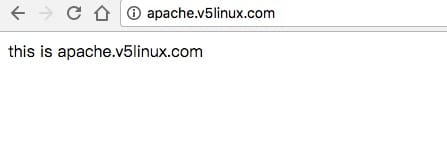
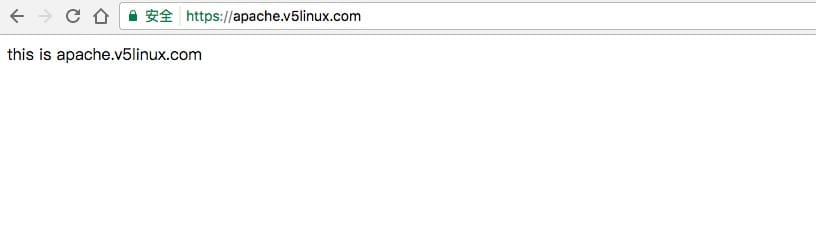
# General setup for the virtual host, inherited from global configuration DocumentRoot"/var/www/v5linux" #修改为自己的web目录 ServerName apache.v5linux.com:443 # 修改为自己的域名
评论
0 条评论