While maintaining a Hexo blog, manually running hexo clean && hexo g && hexo d is not just tedious but also prone to deployment failures caused by local environment differences (like inconsistent Node.js versions).
This article shows how to use GitHub Actions for automated deployment and how to add scheduled tasks to update the blog’s data automatically.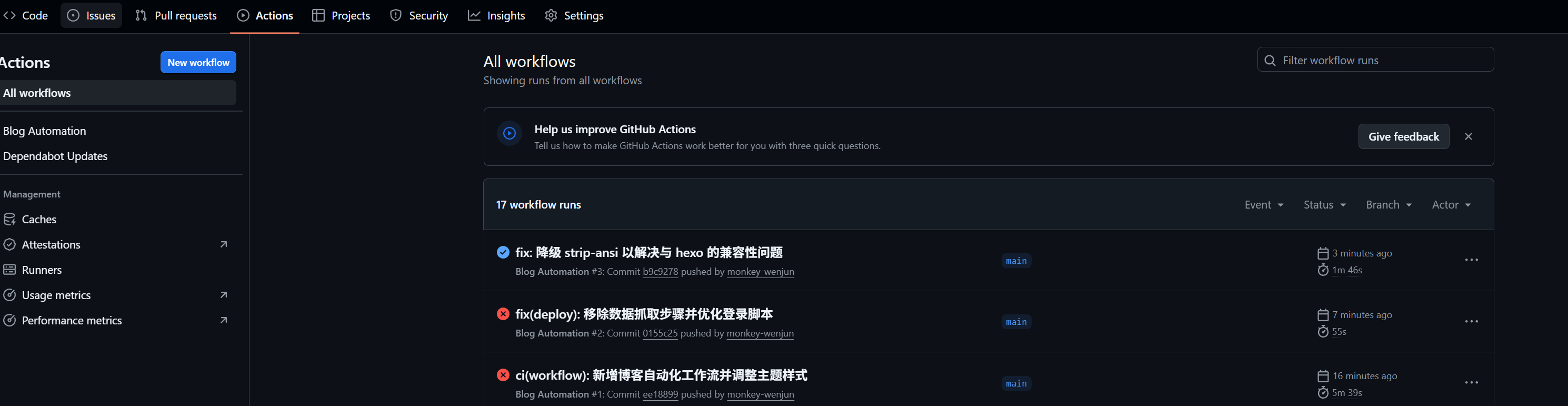
What is GitHub Actions?
GitHub Actions is GitHub’s continuous integration and continuous deployment (CI/CD) platform. It lets you automate build, test and deploy workflows directly in a GitHub repository.
The core concepts include:
- Workflow: an automated process made up of one or more jobs, defined in a
.ymlfile. - Event: the rule that triggers a workflow, such as
push(a code commit) orschedule(a timed trigger). - Job: a group of steps that run on the same runner.
- Step: a specific operation within a job, either running a script or using a ready-made Action.
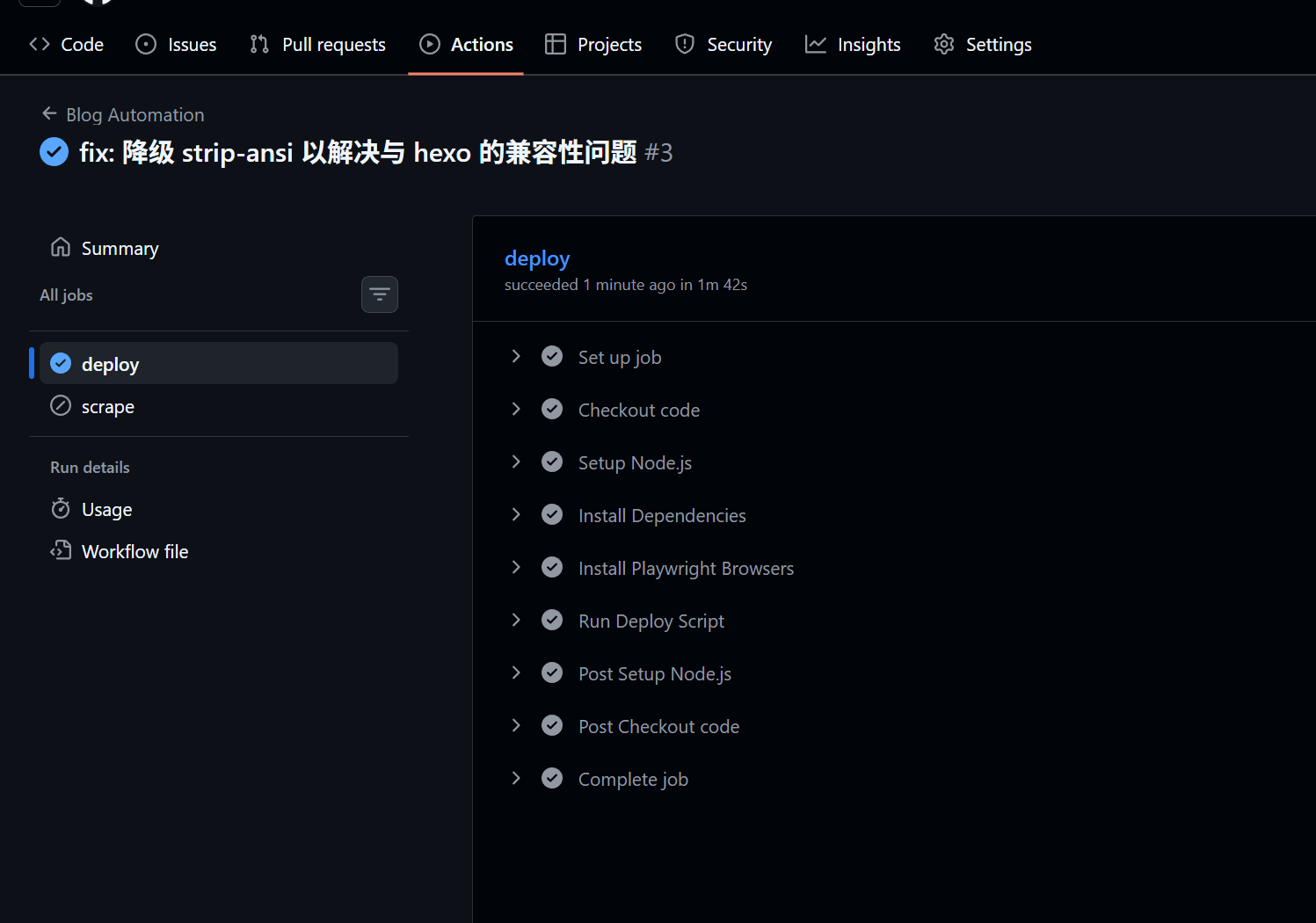
Hands-On Configuration
In the project we created the file .github/workflows/blog_automation.yml, which implements two core features:
- Auto-deploy on commit: when code is pushed to the
mainbranch, the blog is automatically built and deployed. - Scheduled data scraping: run the scraper script once an hour and automatically commit the updated data back to the repository.
1. Workflow Trigger Rules
First, define the trigger conditions:
|
2. The Deploy Job
This job runs only when the push event fires. It sets up a Node.js environment (version 24), installs dependencies, and runs the deploy script.
|
Key points:
npm ci: compared withnpm install, it’s better suited to CI, installing dependencies strictly perpackage-lock.json.deploy.sh: we wrap the specific Hexo commands in a script and usenpxto ensure we invoke the locally installed Hexo:
|
3. Scheduled Scraping with Auto-Commit (Scrape Job)
This job shows off GitHub Actions’ powerful write-back capability. It runs the scraper on a schedule and, if there is updated data, automatically commits and pushes back to the repository.
|
Tips:
permissions: contents: write: this is required, otherwise the Action cannot push changes to the repository.[skip ci]: adding this marker to the commit message prevents that commit from re-triggering thepushevent and causing a build loop.
Summary
With GitHub Actions we not only free our hands but also keep the deployment environment consistent (Node.js 24). Whether it’s a simple static-blog deployment or complex scheduled data processing, GitHub Actions offers an elegant solution.
评论
0 条评论