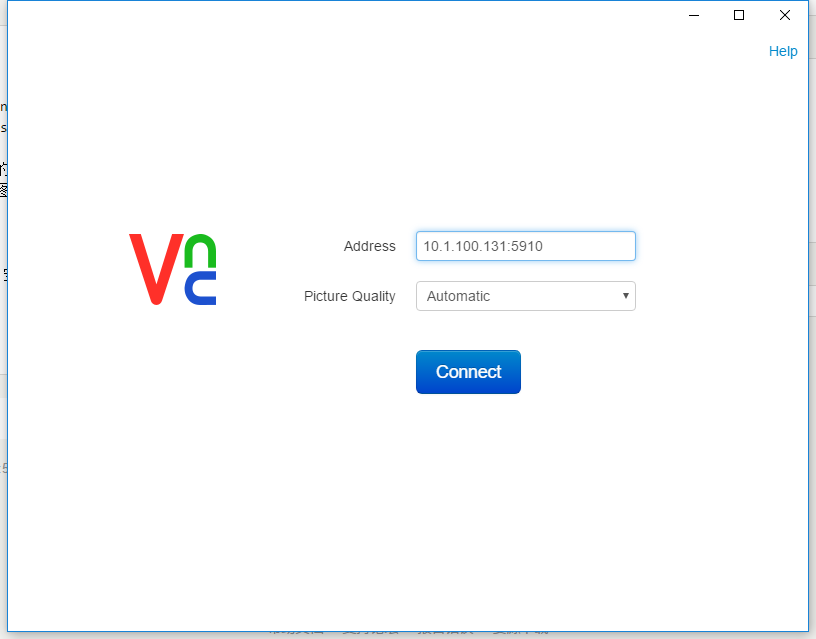
[root@kvm ~]# virt-install --name=vm1 --ram=1024 --vcpus=2 --disk path=/home/kvm/images/vm1.img,size=10 --cdrom /dev/cdrom --graphics vnc,password=123456,port=5910, --network bridge=br0,model=virtio --force --autostart WARNING The requested volume capacity will exceed the available pool space when the volume is fully allocated. (10240 M requested capacity > 5270 M available) WARNING The requested volume capacity will exceed the available pool space when the volume is fully allocated. (10240 M requested capacity > 5270 M available) WARNING The requested volume capacity will exceed the available pool space when the volume is fully allocated. (10240 M requested capacity > 5270 M available) WARNING The requested volume capacity will exceed the available pool space when the volume is fully allocated. (10240 M requested capacity > 5270 M available) WARNING The requested volume capacity will exceed the available pool space when the volume is fully allocated. (10240 M requested capacity > 5270 M available) WARNING The requested volume capacity will exceed the available pool space when the volume is fully allocated. (10240 M requested capacity > 5270 M available) WARNING The requested volume capacity will exceed the available pool space when the volume is fully allocated. (10240 M requested capacity > 5270 M available) WARNING The requested volume capacity will exceed the available pool space when the volume is fully allocated. (10240 M requested capacity > 5270 M available) WARNING The requested volume capacity will exceed the available pool space when the volume is fully allocated. (10240 M requested capacity > 5270 M available)
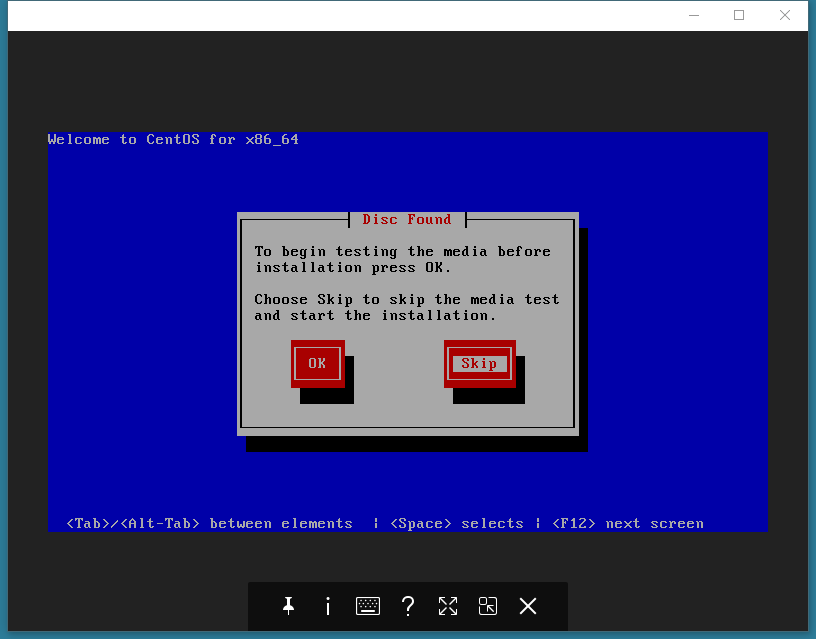
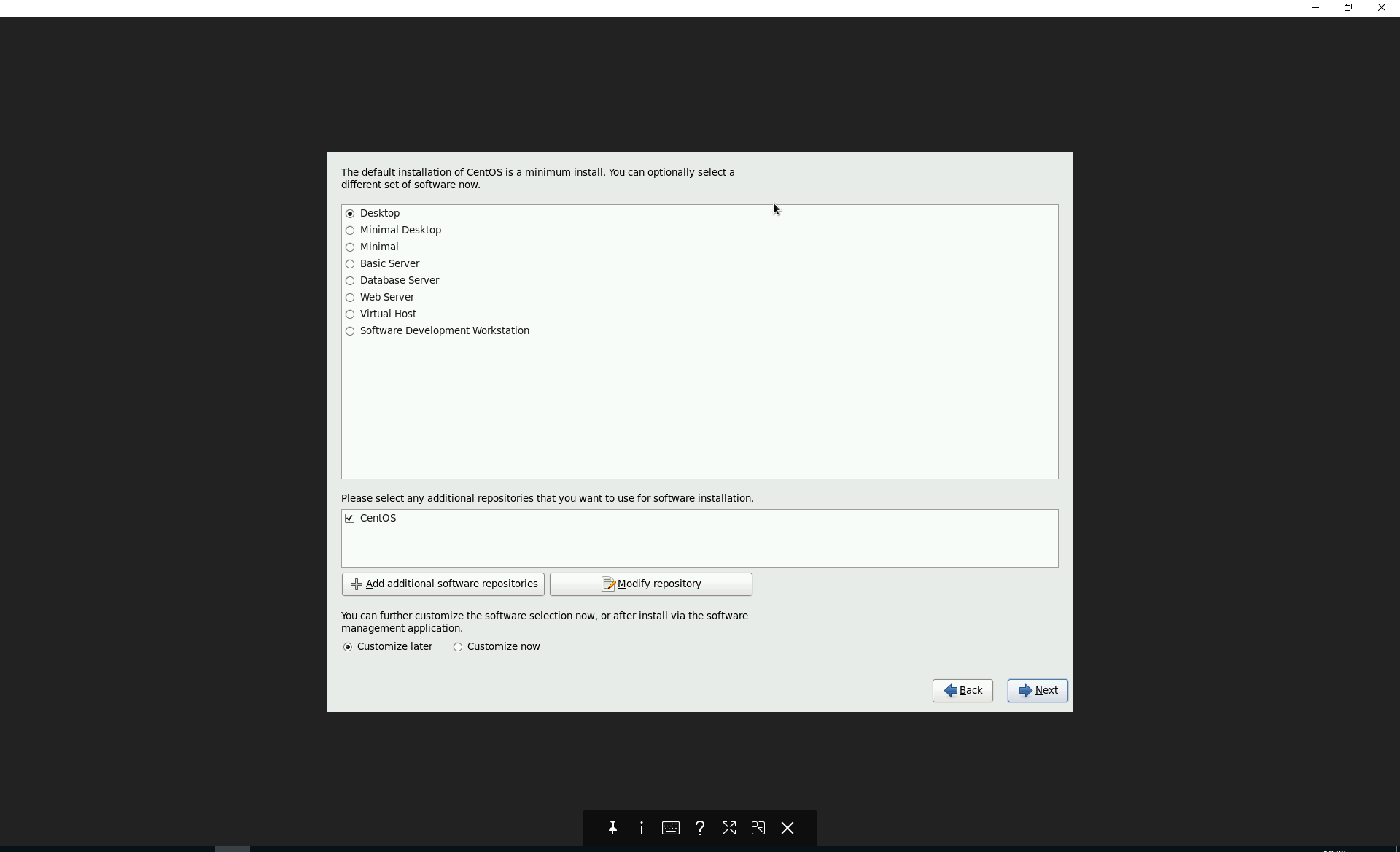
Starting install... WARNING The requested volume capacity will exceed the available pool space when the volume is fully allocated. (10240 M requested capacity > 5270 M available) Allocating 'vm1.img' | 10 GB 00:00 Creating domain... | 0 B 00:00 Cannot open display: Run'virt-viewer --help'to see a full list of available command line options Domain installation still in progress. You can reconnect to the console to complete the installation process.
评论
0 条评论