I wasn’t satisfied with either the voice assistant or the media player in my Lynk & Co’s head unit. The most direct reason: listening to my own music still requires buying their membership.
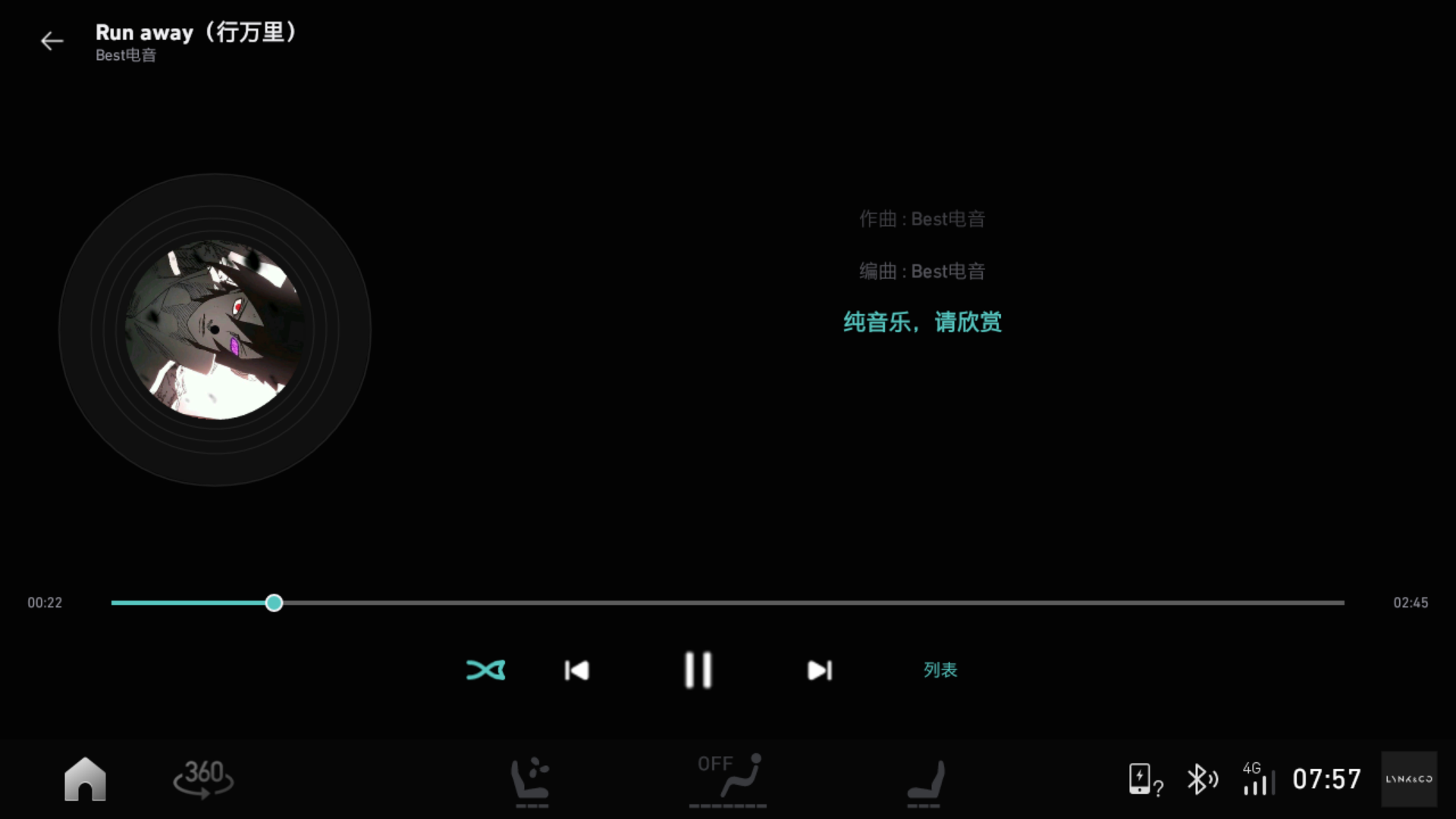
So I wrote my own car music app and installed it: the library lives on my own server, I press the voice button on the steering wheel and say “play Dao Xiang,” it searches my library, and the song comes on.
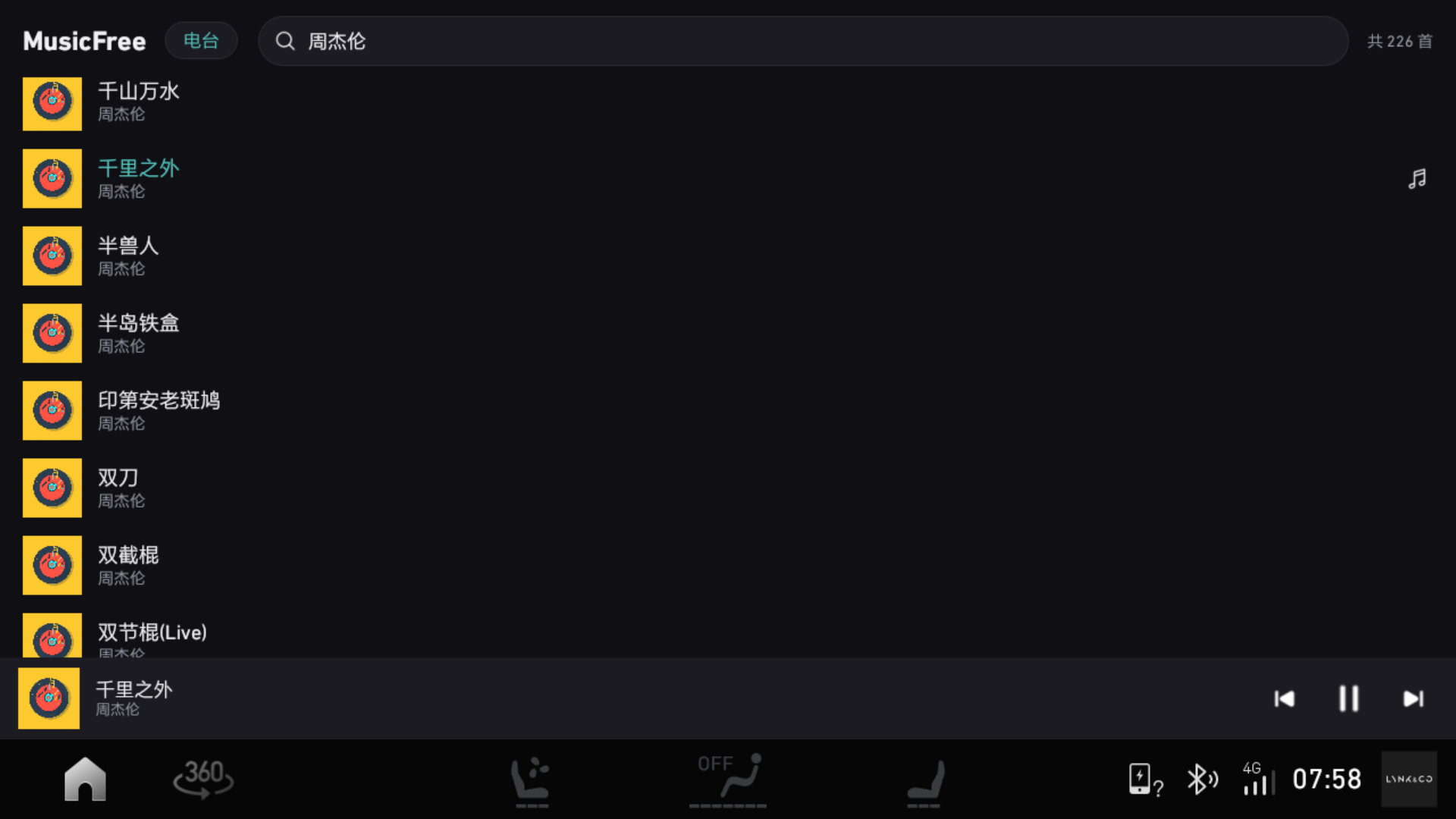
Later it became more than just “playing music”: I replaced the map with Amap (Gaode), got both navigation and song titles displaying on the instrument cluster, and added a music widget to the home screen. This post covers all of that.
Why Not Use the Stock System
- The stock player (“Suixin Ting” by ECARX) only recognizes its own online library. My 1,449 songs on self-hosted storage are completely invisible to it.
- The voice assistant is Baidu DuerOS: say “play Dao Xiang” and it searches the cloud — if you’re not logged in, it responds “please log in first”; if you are logged in, it plays from its own library.
- The head unit runs Android 4.4.3, user build, no root. What you can do is inherently limited.
Conclusion: rather than wait for the OEM to fix things, I might as well write my own.
The Head Unit’s Specs
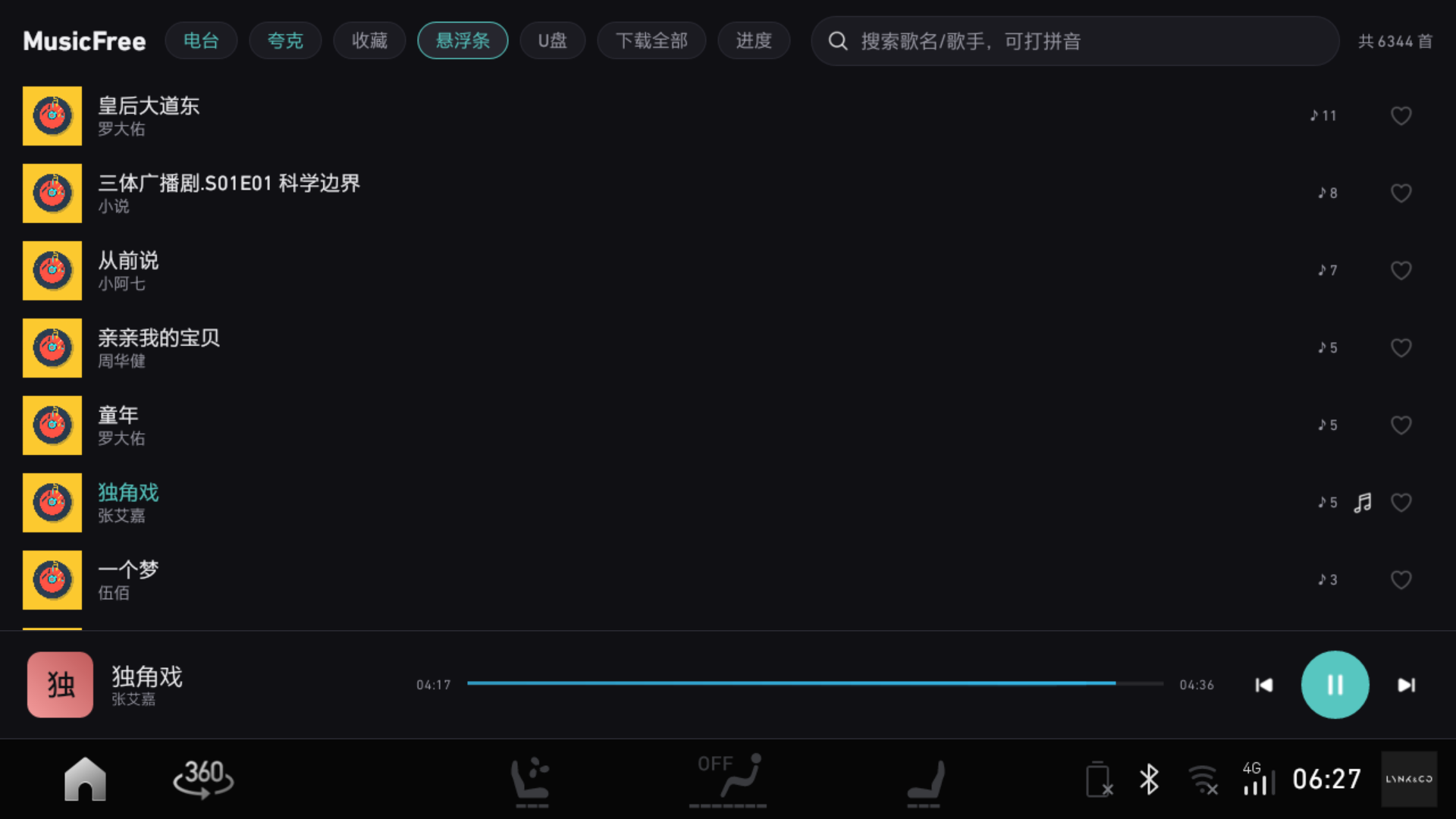
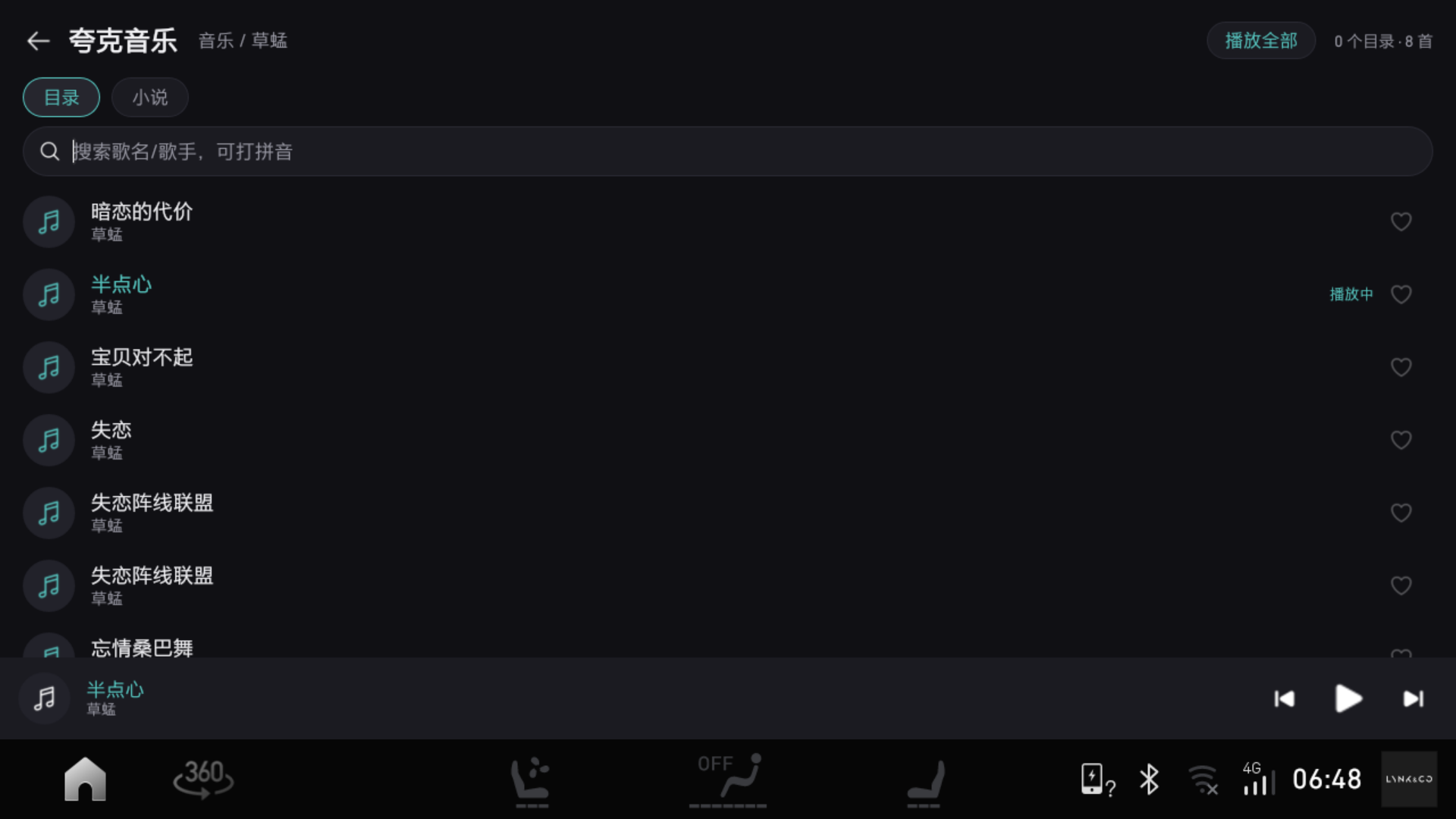
First, the hardware and system. Lynk & Co CS11, Freescale i.MX6, Android 4.4.3 (API 19). I ported the MusicFree library approach to the car, writing a vehicle version in native Java: one list Activity + one playback Service, with the library extracted from my MusicFree plugin as JSON at build time and packed into the APK.
Android 4.4 has three pitfalls, all learned the hard way:
- No MediaSession (that arrived in 5.0). Steering-wheel media keys go through
ACTION_MEDIA_BUTTONbroadcast +RemoteControlClient; whichever app registers as “current media client” receives the key events. MediaPlayer.setDataSource(path)has the mediaserver process open the file (only after API 21 did it change to the app opening an fd and passing it). The app’s private directory defaults to 0700, files to 0600 — mediaserver can’t even enter the directory, failing withsetDataSourceFD failed: status=0x80000000. Setting the cache directory to 0755 and cache files to 0644 fixed it.- Streaming playback feeds an incomplete
.partfile — 4.4’s AwesomePlayer can’t sniff the format from files that are too small, throwing the same error above. In practice, files under ~300K always fail, 1.8M works fine, so on 4.4 I raised the playback-start threshold to 1MB (API 21+ keeps 512K for instant start).
The Hardest Part: Making Voice Listen to Me
I had no intention of rebuilding voice recognition — wake word, microphone, noise cancellation are all in the system layer; rebuilding from scratch isn’t worth it. All I wanted was: “after it hears clearly, it listens to me.”
I captured some packets and discovered DuerOS turns “play Dao Xiang” into a plain broadcast:
|
The stock Suixin Ting receives this, requires login, can’t play. I registered the same action, grabbed the query, searched my own library — and the song played.
The trade-off: this is an unordered broadcast (ordered=false), so abortBroadcast() can’t block the stock one. My workaround: grab audio focus (the moment it starts playing I snatch it back) and push my playback screen to the foreground, suppressing the stock one.
While I was at it, I pulled and archived all 77 stock APKs from the car. I went through the voice service’s AIDL, vehicle-status interfaces, and analytics reporting — and discovered it actually has a proper “media app self-declares capabilities” interface. That’s a next-step item.
A Few Things I Did Along the Way
- Auto-resume on power-up: the head unit sends
BOOT_COMPLETED/FIRST_BOOT_COMPLETEDon startup; I added a receiver to bring up the playback service, resuming from the last song at the last position (if 4G isn’t up yet, it waits for network rather than treating it as “can’t play” and skipping). - On-demand always starts from the beginning: previously the “resume position” leaked into the newly requested song — sounded like a ghost story.
- Queue is always the full library: search is just an entry point to “find this song”; otherwise search results show only two or three tracks and skipping cycles within them.
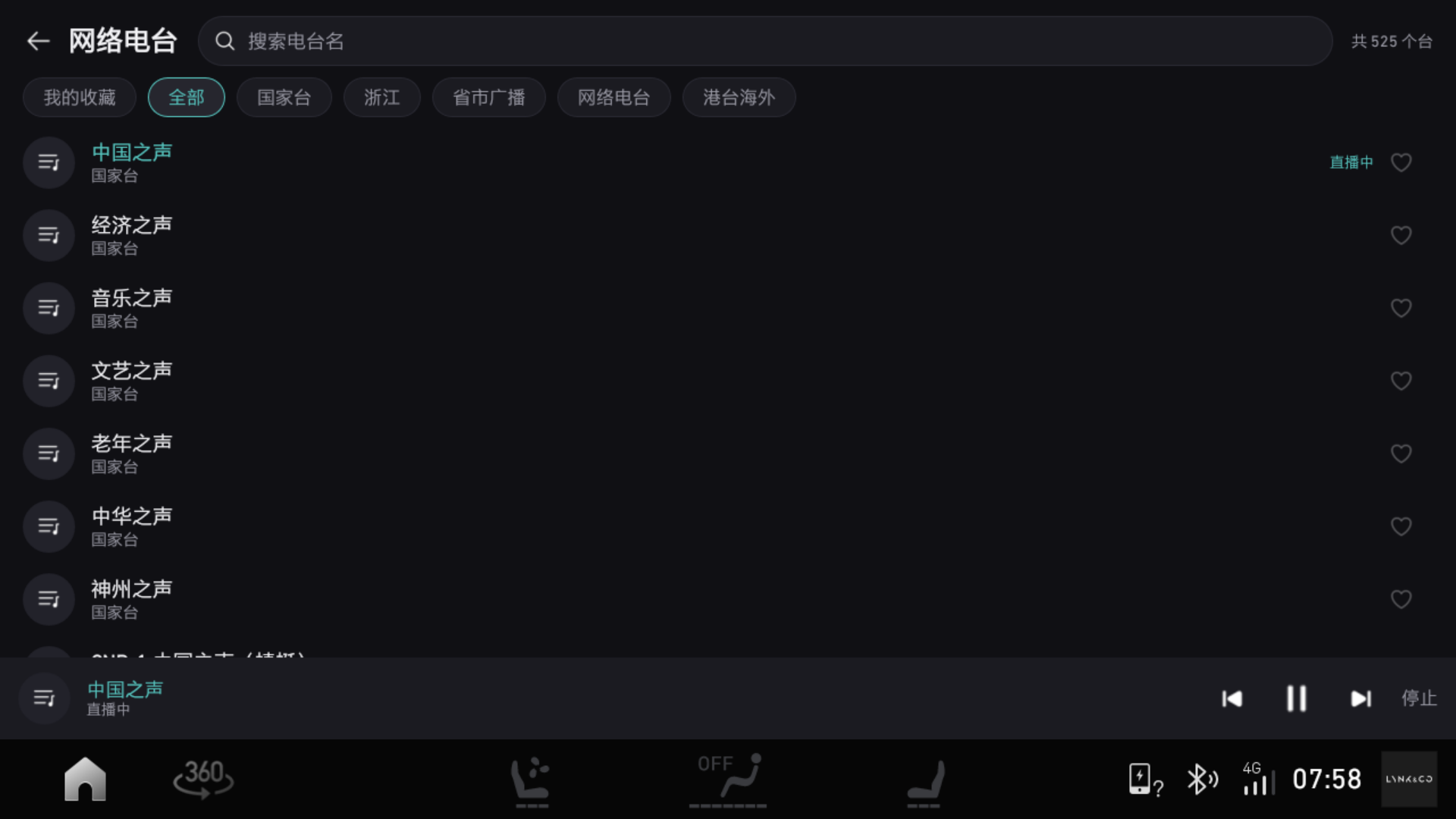
- Internet radio: 525 stations — national, provincial/municipal broadcasts, online radio.
- Now-playing screen: vinyl record spinning, lyrics scrolling.
- Keyboard-nerd optimization (just added today): pinyin-initial search — type
ghsyand “Guang Hui Sui Yue” (Beyond) appears; hit Enter to play the first result directly, no need to tap the list.
Replacing the Stock Map and Putting Amap on the Instrument Cluster
The car’s stock navigation is Baidu Auto. It works, sure, but I prefer Amap (Gaode). Installing it is possible: Amap Auto V9.1.0.600087 (arm32) runs quite stably on this i.MX6; V9.5 is arm64 and won’t even start.
After installation, positions still need to be swapped one by one: the navigation card in the home screen’s three-card layout, and the slot in the left sidebar — both originally pointed to the stock nav.
Here’s a pitfall I dug for myself. To test “can I disable Baidu Maps,” I ran pm block com.baidu.naviauto. The app itself came back after pm unblock, but the left-sidebar slot never returned — because the left sidebar (Launcher3’s hotseat) isn’t dynamically arranged; it’s fixed records in the favorites table of launcher.db. Once a package becomes “unavailable,” Launcher3 deletes that record, and unblock doesn’t restore the default layout.
To programmatically add it back requires ecarx.launcher3.permission.WRITE_SETTINGS (signature|privileged) — third-party apps can’t obtain it. So I fell back to the most primitive method: long-press the icon and drag it in. I scripted it — using sendevent to synthesize “press → hold 600ms → move → release” (input swipe doesn’t work because it doesn’t pause in the middle to trigger long-press drag), one command to drag Amap back to the left sidebar.
The “default navigation app” preference also still points to Baidu: voice saying “navigate to office” goes through DuerOS’s default nav, stored in /data/data/com.baidu.che.codriver/shared_prefs/prefs_amap.xml — can’t modify without root. Fortunately DuerOS left a switch: its open SDK has a fun_navi_set_default_app command; setting the value to Amap makes it use Gaode. Rather than loading that 3.3MB SDK dex (4.4 is Dalvik, no multi-dex), I directly bind its ICoDriverService and send that Binder transaction myself. Now voice navigation goes through Amap too.
The real effort went into this next part: getting Amap to also push navigation to the instrument cluster.
Previously only the stock Suixin Ting and Baidu Maps could display on the cluster. But the interface itself isn’t that mysterious: /system/framework/ecarx.adapterapi.jar is on the boot classpath, and ECARX left a facade class com.ecarx.xui.adaptapi.diminteraction.DimInteraction — stock apps all call it to push content to the cluster. The server-side DiServer.onBind() only checks one string extra in the Intent (app_type=com.ecarx.navigation) — doesn’t verify package name, doesn’t check permissions — so third-party apps can use it too.
The problem: Amap has no idea this API exists. But packet capture revealed it constantly sends the standard broadcast AUTONAVI_STANDARD_BROADCAST_SEND, and the KEY_TYPE=10001 frame contains turn icons, next road name, remaining distance, remaining time — everything. So I wrote an “Amap Cluster Bridge” sitting in the middle as a translator:
|
Two pitfalls, both discovered by stepping on them:
- Don’t call
notifyTurnByTurnStarted(). The SDK records it asturnState=0, and the server-sideturnByTurn()throwsRuntimeException: Navigation state is not correct.when it sees 0. The cluster enters navigation mode viaturnState=1update frames. So only send update frames; sendstate=3when exiting navigation. updateDriveDirection(int)is an empty implementation in this SDK version — decompiled it’s justreturn-void; calling it does nothing.
Also, after Amap exits navigation, KEY_TYPE 10001 stops being sent on its own (in practice it decays to zero within tens of seconds). I use “no 10001 received for 20 seconds” as the end signal and automatically clear the cluster — otherwise it stays stuck on the previous navigation session.
Song Titles on the Instrument Cluster Too
If navigation can go up there, music obviously can too. The other half of that cluster facade is getMediaInteraction() — that’s how the stock Suixin Ting pushes song title, artist, album art, and progress.
The car version of MusicFree has used the same path since 1.0.39 (CarCluster.java). Because those classes live in the system and aren’t available as a jar at compile time, I use reflection to get DimInteraction.create(ctx).getMediaInteraction(), then use Proxy to dynamically create an IPlaybackInfo implementation, and push updatePlaybackInfo + updateCurrentProgress + updateMediaSourceTypeList. On the emulator where this API doesn’t exist, it silently skips and logs once.
Two constraints worth noting:
- The server truncates song title / artist / album at 70 bytes (UTF-8) — roughly 23 Chinese characters before it cuts off.
- Album art only goes through the “update cover” branch when the URI contains
httpAND playback is active — so I sign a URL on a background thread and push again.
There’s an especially sneaky pitfall: the service binds asynchronously. The first bind attempt failed and I treated it as “this head unit doesn’t have the API” and skipped — so song titles never appeared. Changed to retry after 1 second and it worked.
Home Screen Widget
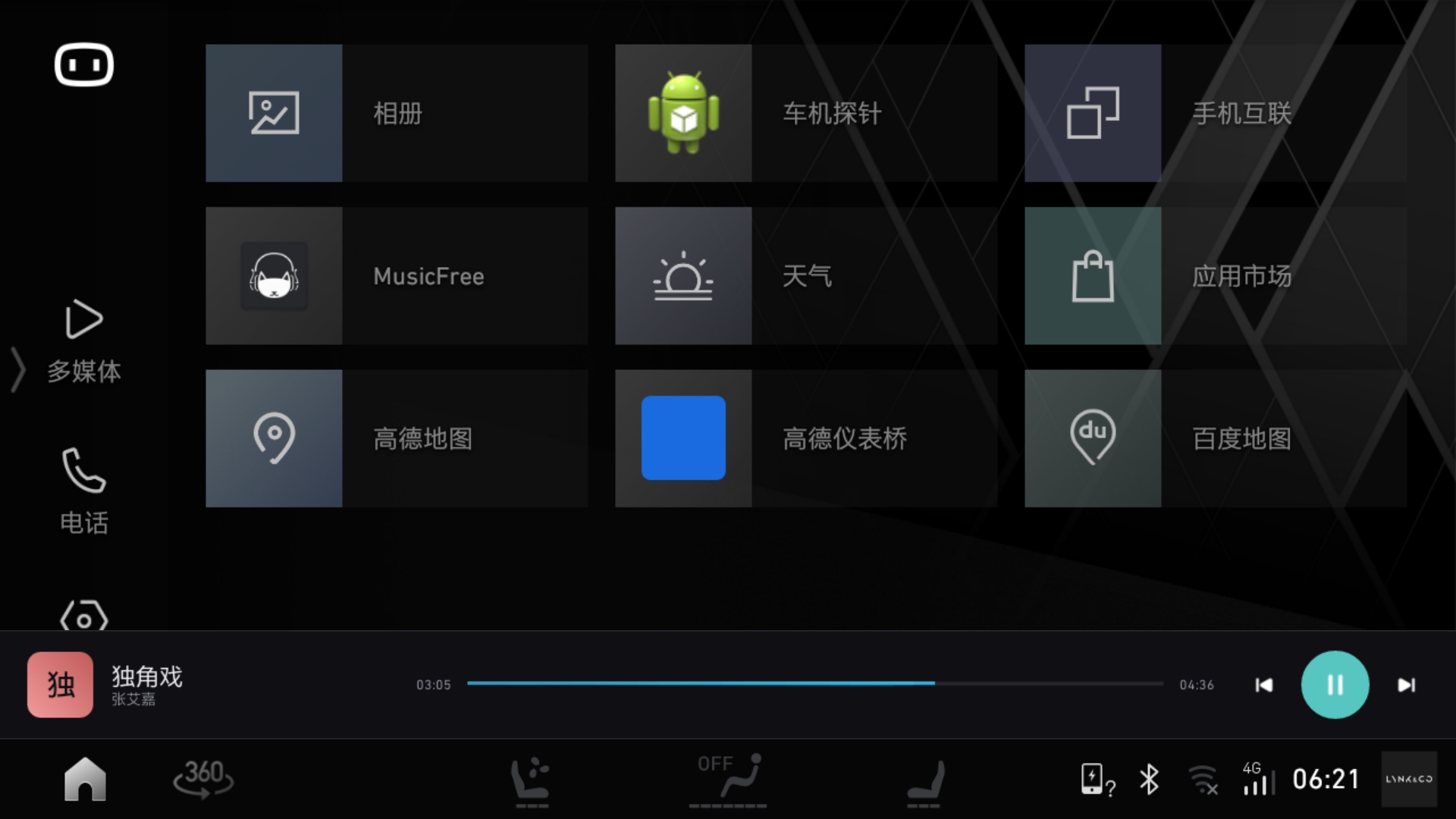
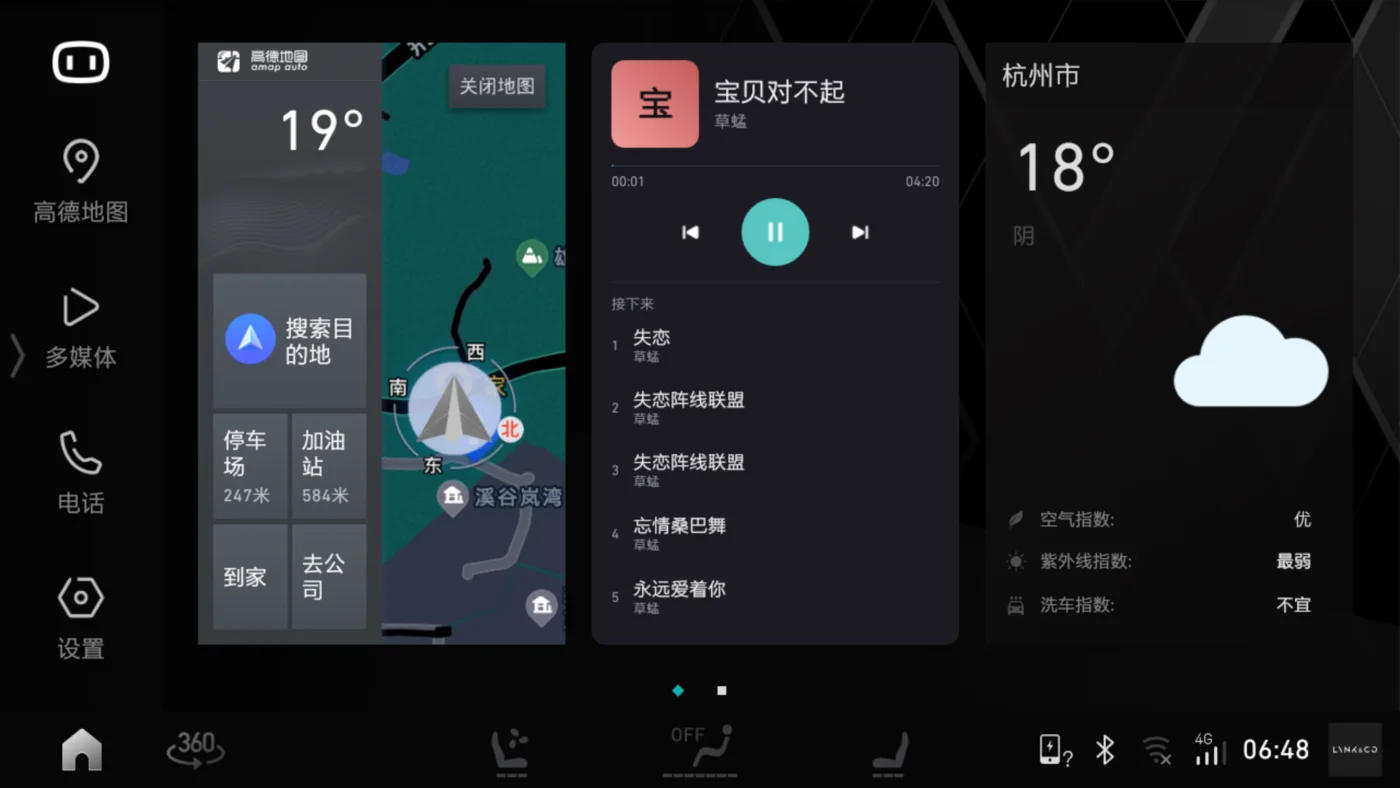
The head unit’s home screen has three cards: Amap, music, weather. The middle music card is the car version of MusicFree’s home-screen widget.
- First version: 2x3 card + 2x1 strip, dimensions measured against the Amap widget.
- Later changed to 2x2: album-art color block on the left, “Up Next” three lines on the right, tap a line to jump to that song; finally adjusted height to fill the grid cell.
- Pitfall: progress bar doesn’t move.
RemoteViewson this system refreshes at most once every half hour — expecting the system to push progress every second is a pipe dream. The fix is crude: during playback the widget advances frames per-second itself, redrawing the progress. - Midway I tried an even wilder approach: using
TYPE_SYSTEM_ALERTto float a persistent playback bar below all screens, so no matter which screen you’re on you can see what’s playing. Tested two versions of bottom-edge height on the real car, ultimately scrapped it — it requires an extra floating-window permission and conflicts with the stock split-screen; the benefit wasn’t as clean as “just put a widget on the home screen.”
Where the Boundaries Are
- The head unit isn’t rooted, so system operations like
pm disablearen’t possible. For stock apps I can only “take over,” not “replace.” pm blockworks (and can completely freeze an app), but it leaves lasting damage — Launcher3 removes blocked apps from the home screen, andunblockdoesn’t restore them. I learned this lesson at the cost of the left-sidebar slot.- I found the path for remote unlock and remote start, but didn’t touch it: safety-critical, the OEM uses encryption and signing, not worth risking on my own car and shouldn’t be attempted.
- Currently stable and working: voice song requests, voice navigation via Amap, navigation and song titles on instrument cluster, home-screen music widget, auto-resume on entry, Chinese/pinyin search, steering-wheel track skip, offline caching, Quark cloud drive library.
Final Thoughts
This project changed a perspective for me: many things in a car’s head unit aren’t impossible — nobody’s willing to do them for “your specific little need.” But when you have an AI assistant and your own set of services (library, signing service all in your hands), the distance between “I’m not satisfied” and “I’ll write one myself” might be just one weekend.
评论
0 条评论